Assessment FAQs
Last updated: February 24, 2025
Q: Can I update questions in an assessment after it has been created?
A: Yes, you can update questions in an assessment even after it has been sent to a candidate. However, any changes made to the questions will only apply to future candidates and assessments. Previous submissions will remain unaffected.
Q: Can you cancel an assessment that is already sent?
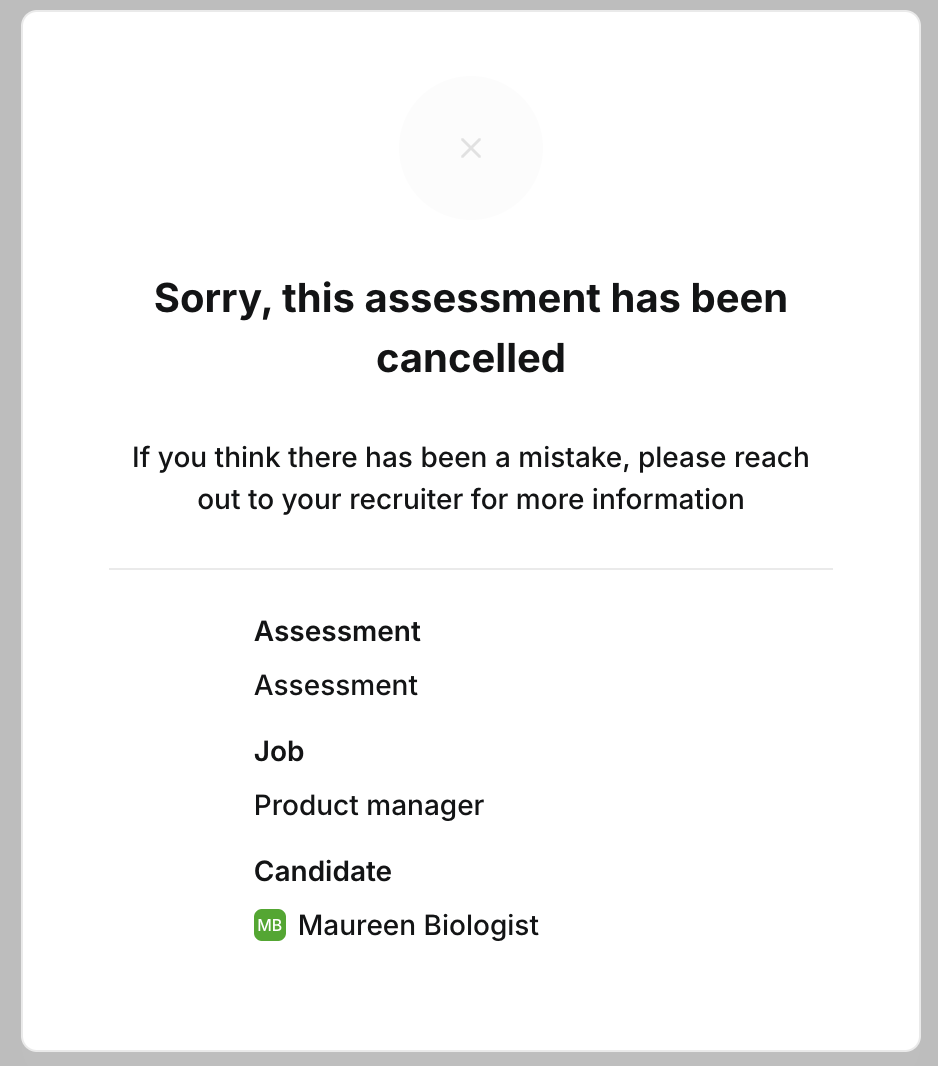
A: Yes, you can cancel an assessment that has already been sent to a candidate. Once an assessment is canceled, the candidate will no longer have access to complete it. The candidate will be shown a message when they try to open the link to the assessment.
Q: Can you send a new assessment after it has been canceled?
A: Yes, you can send a new assessment to the same candidate after canceling the previous one.
Q: Can you change the reviewer?
A: Yes, you can change the reviewer assigned to an assessment at any time. To do this, navigate to the assessment details and select a different reviewer from the list of available team members.
Q: Would the reviewer be notified once the assessment is complete?
A: Yes, the reviewer will receive a notification once the assessment is complete.
Q: Should the reviewer need to be added as a user to Kula?
A: Yes, the reviewer must be added as a user in Kula to access the assessments and receive notifications. Ensure that the reviewer has an active user account to participate in the evaluation process effectively.