Help center
Last updated: March 26, 2026
The Help Center is your primary resource for learning how to use Kula. It includes articles that cover everything from initial setup to advanced configuration.
You can access the Help Center without leaving Kula. Use the Help & Support (?) button in the left sidebar to open articles or contact support.
Opening the Help Center
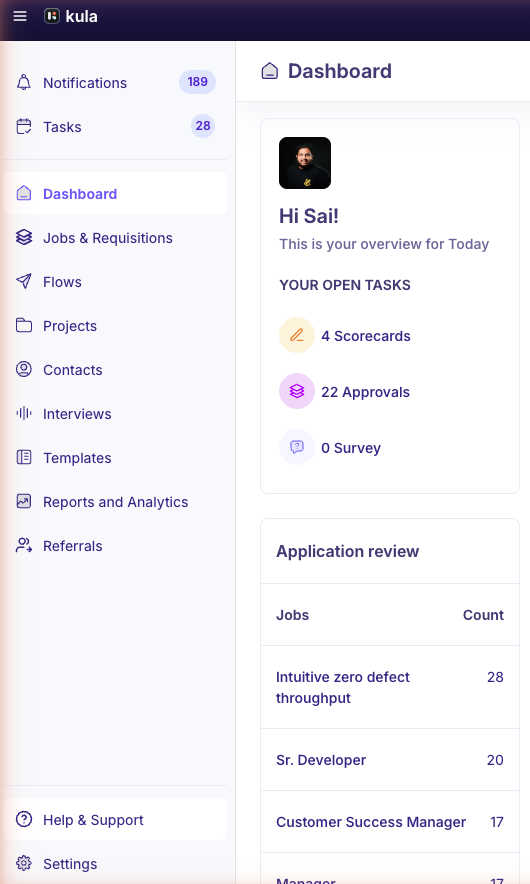
The Help & Support (?) button is located at the bottom of the left sidebar.
To open the Help Center:
Click Help & Support (?) in the left sidebar.
Click Help center.
The Help Center opens in a new browser tab at support.kula.ai.
Navigating the Help Center
The Help Center home page helps you quickly find relevant information.
At the top, you will see a search bar. Below it, you will find the main article categories:
Getting Started: Learn how to set up and onboard your account
Admin Configuration: Manage workspace settings, users, and permissions
Foundations: Explore core features such as jobs, candidates, and pipelines
Integrations: Connect Kula with third-party tools
Troubleshooting Guide: Diagnose and resolve common issues
Below the categories, the Popular Articles section highlights frequently viewed content.
Searching for articles
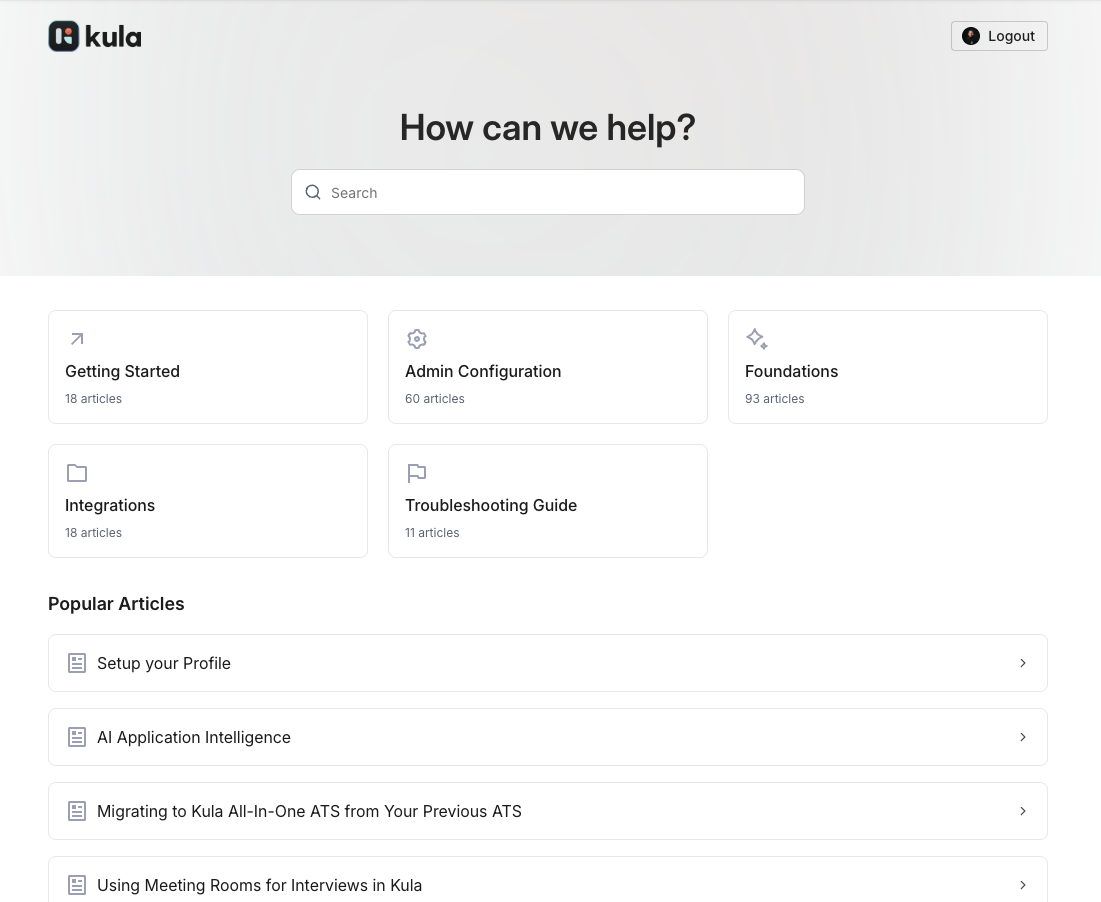
Use search to quickly find specific topics.
To search for an article:
Click the search bar at the top of the Help Center.
Type a keyword or phrase.
Click a result to open the article.
Chatting with support
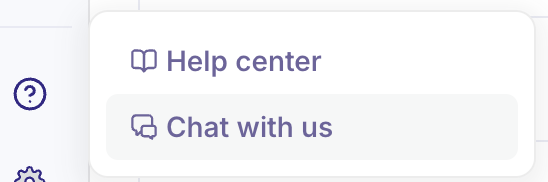
If you cannot find the answer you need, you can contact the support team directly.
To start a chat:
Click Help & Support (?) in the left sidebar.
Click Chat with us.
A chat window opens where you can send your message.