How to Enable Job Boards
Last updated: February 26, 2026
Attracting top talent requires more than just posting a job — it demands strong visibility across the right channels. Kula provides integrated job board distribution, enabling recruiters to publish roles across free, contract-based, and premium boards from a single platform. This centralized approach maximizes reach, streamlines operations, and ensures accurate source tracking.
Navigate to Settings --> In Career page and Job boards section --> Job boards
Job Boards – Section Overview
Within the Job Boards settings, there are three primary sections that control how jobs are distributed externally:
Free Job Boards
Job Board Contracts
Job Board Aggregators (VONQ & JobTarget)
Each section serves a distinct purpose in your job distribution strategy.
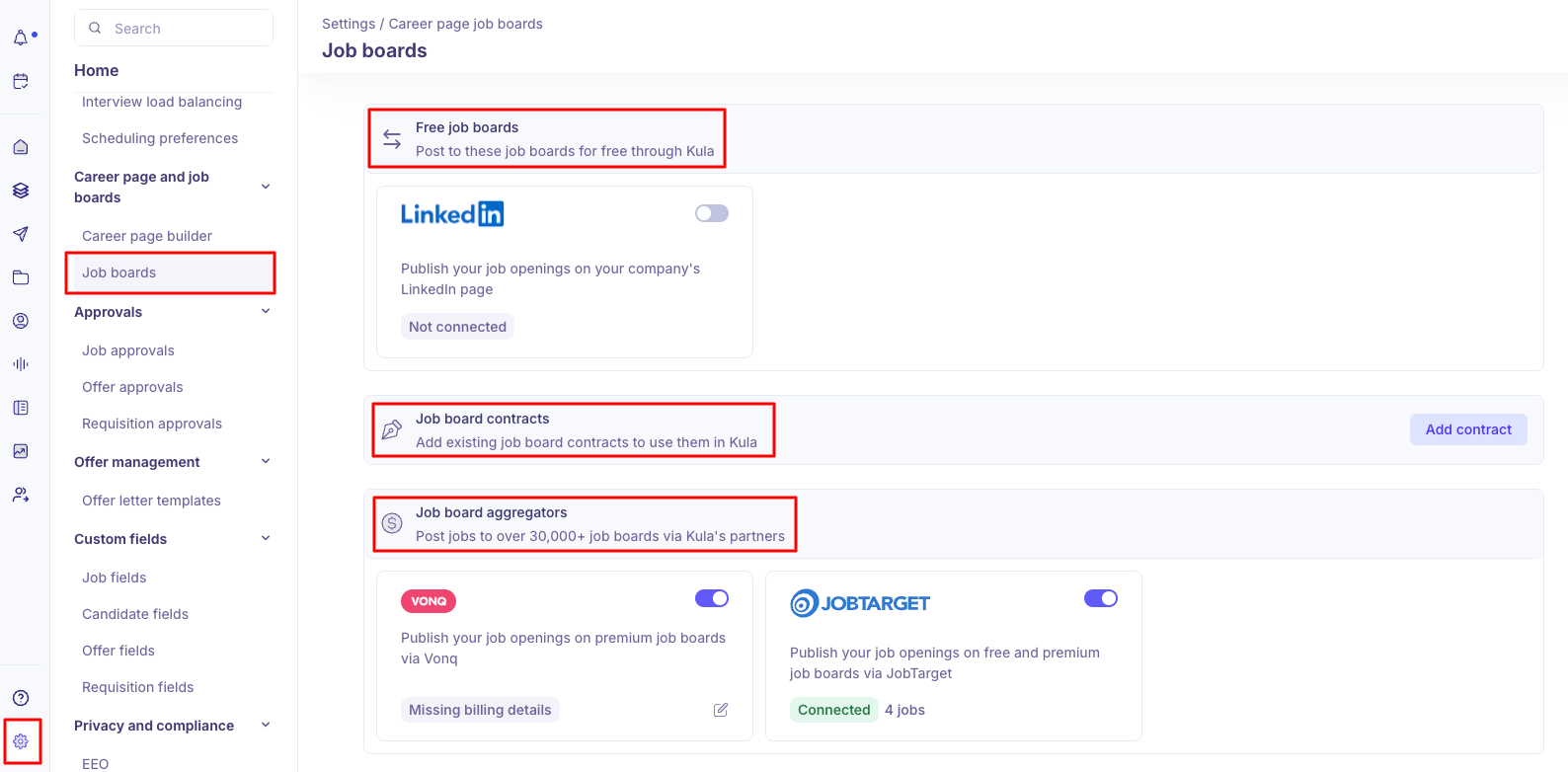
Free Job boards
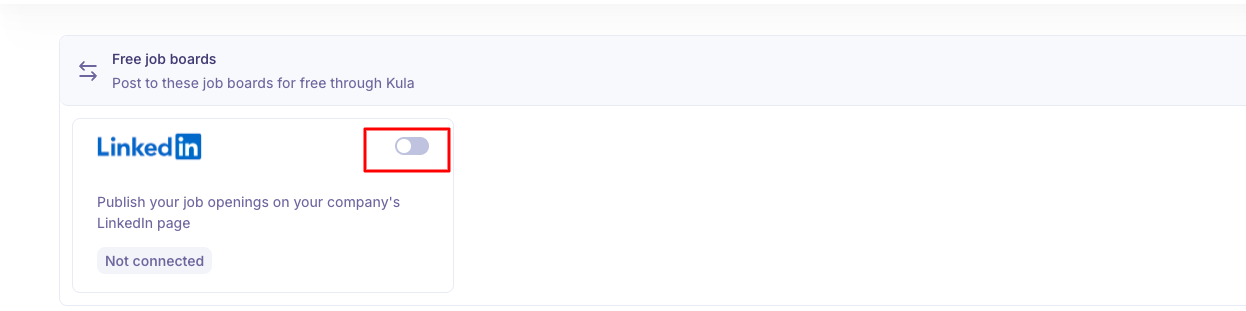
You can publish your Kula jobs to LinkedIn for free directly from within the platform. The posting happens seamlessly, with no marketplace checkout or external payment flow required.
Enable the LinkedIn option.
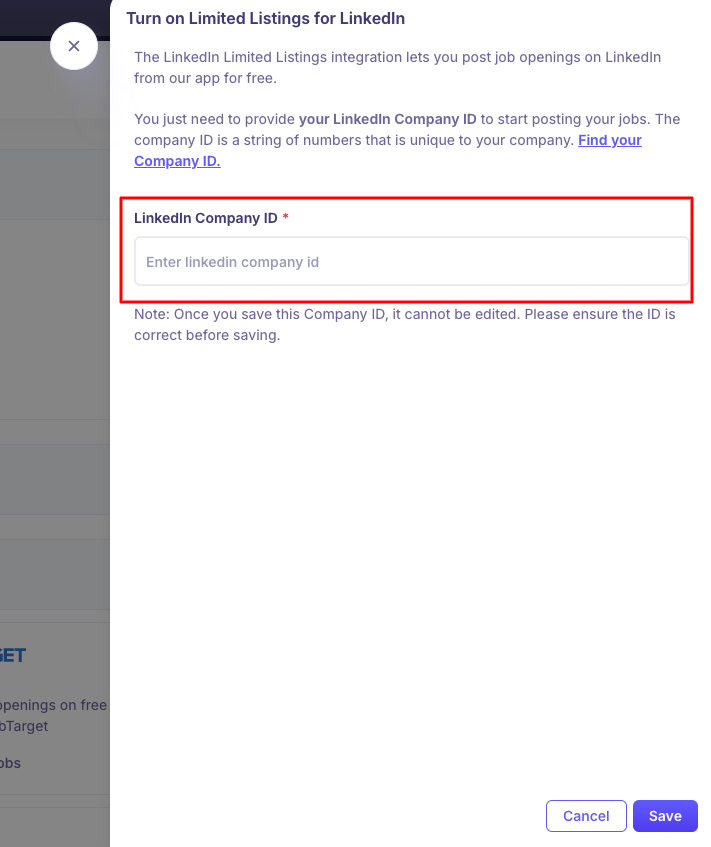
Enter your LinkedIn Company ID.
Click on Save. Note: Here's how to find your Company ID.
Job Board Contracts
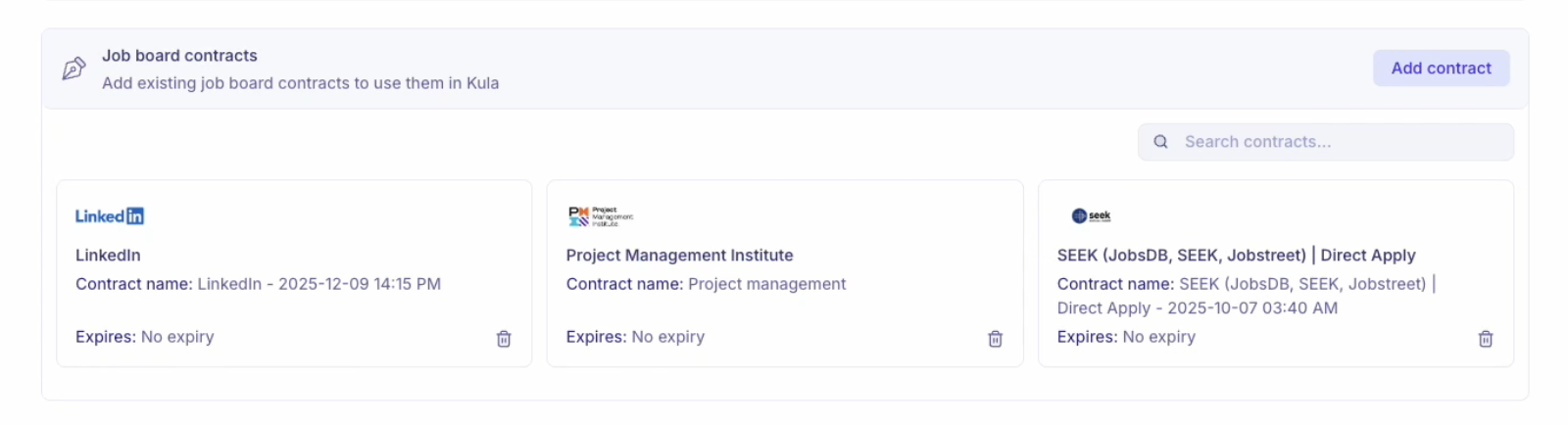
This section allows you to connect your existing contracts with job boards. If your company already has a subscription or contract with a job board (e.g., LinkedIn, Indeed, niche boards), you can add them here with the below steps.
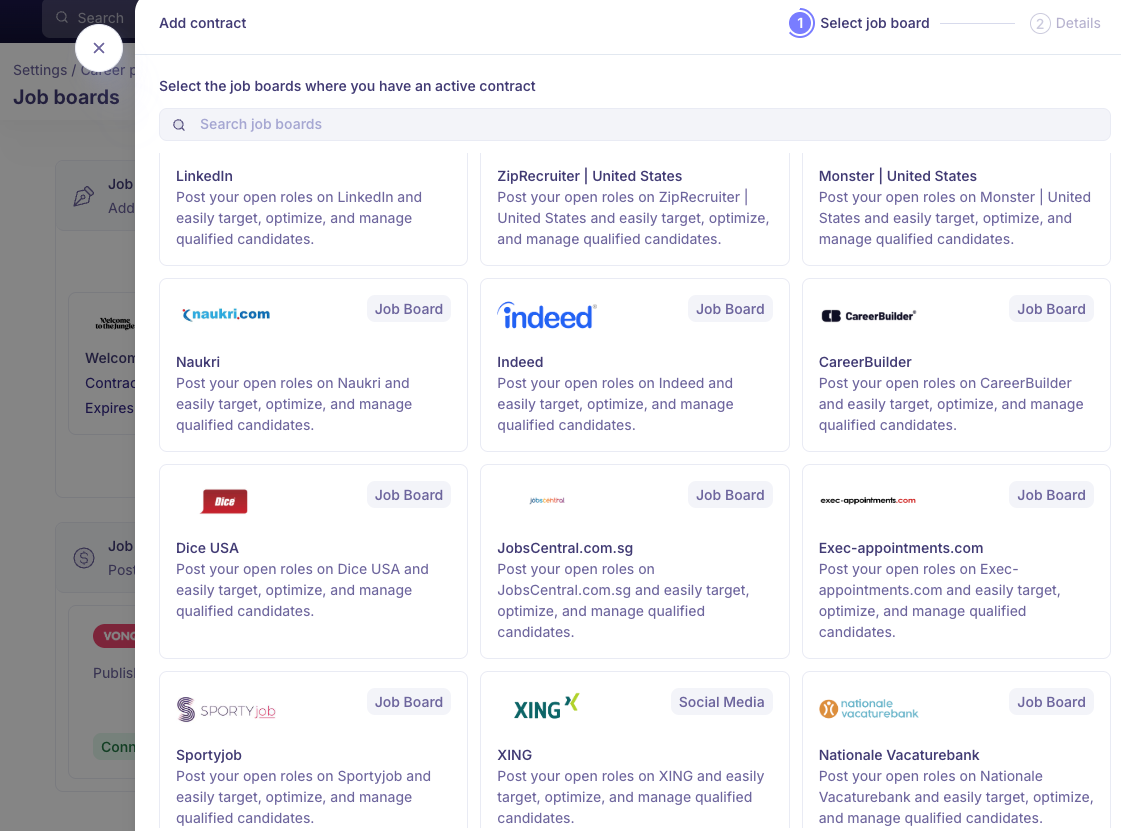
Navigate to Settings --> Job boards --> Under Job board contracts, click Add contract.

Select the Job Board: Use the Search job boards bar to find the board where you have an active contract.
Once selected, you will now move to the Details step.
Review the Instructions provided for the selected job board.
Enter the Details and required Credentials. The details requested depends on the selected board.
Once all required fields are filled and authentication is completed, Click "Save Contract".
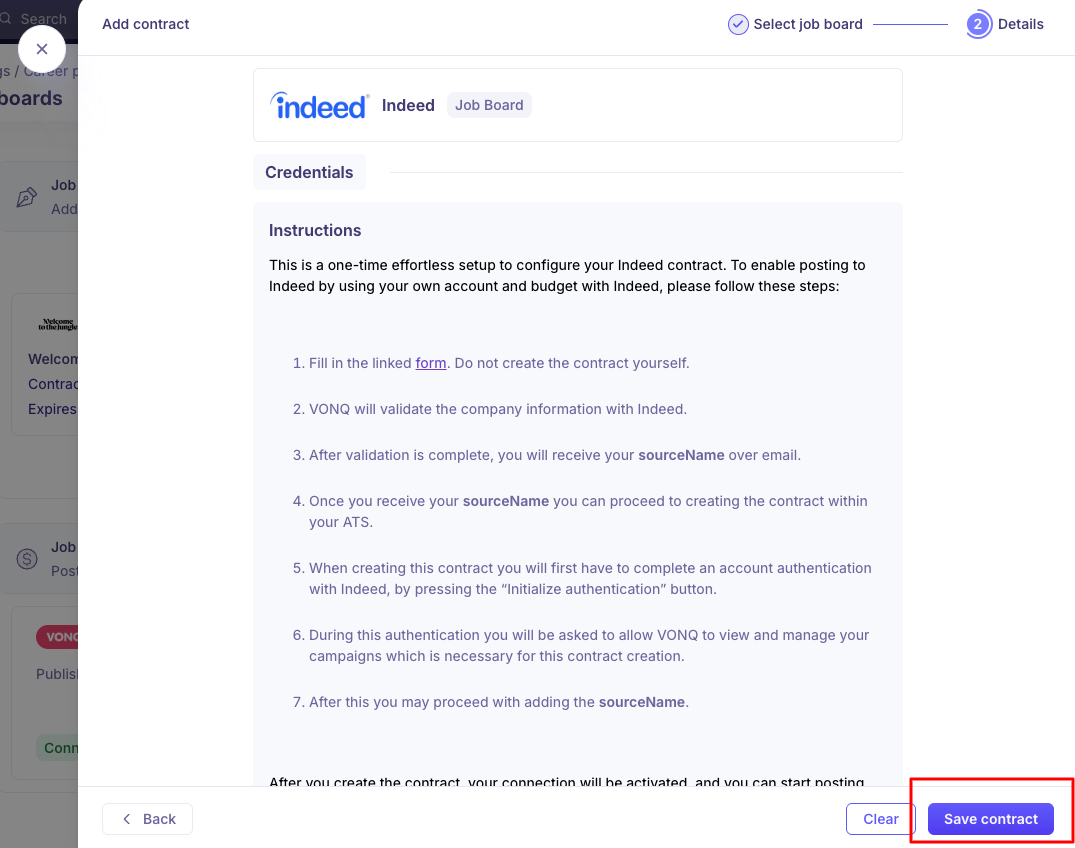
The contract becomes active. You can now use this board when creating job posting campaigns.
Job Board Aggregators
You can post jobs to over 30,000+ job boards via Kula's partners. Currently, this includes:
VONQ
JobTarget
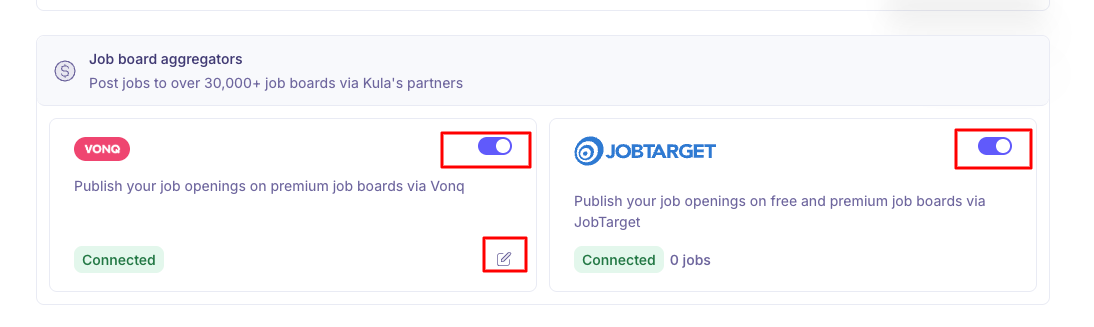
VONQ: Publish your job openings on premium job boards via Vonq.
Navigate to Settings --> Job boards --> Job board aggregators
Enable the toggle in "VONQ"
Create & manage wallet for payments.
Billing information is mandatory to use the Paid Job Board Marketplace.
JobTarget: This option allows you to post jobs to multiple job boards. Note that some job boards require a fee.
Enable the JobTarget option
Select from the following:
Paid job posting: This will let you post your jobs to premium job boards through JobTarget. You can select from a wide range of 100+ job boards.
Organic job posting (Free): This will let you post your jobs to all the available free job boards from JobTarget.Note that you can’t pick individual job boards, the job will be posted to all of them simultaneously.
Once done, click on Save.
Note: Deleting a contract is permanent. If campaigns are live, they stay live & unmanaged. Paid job posts publish only after successful payment
Need Help?
If you have questions or need assistance with setup, feel free to reach out to us at support@kula.ai or use the in-app chat for assistance.