How to Approve a Job as a Job Approver
Last updated: February 24, 2025
Approving a job as a Job Approver is a critical step in ensuring that all necessary details are correct before it is published.
How to Approve a Job
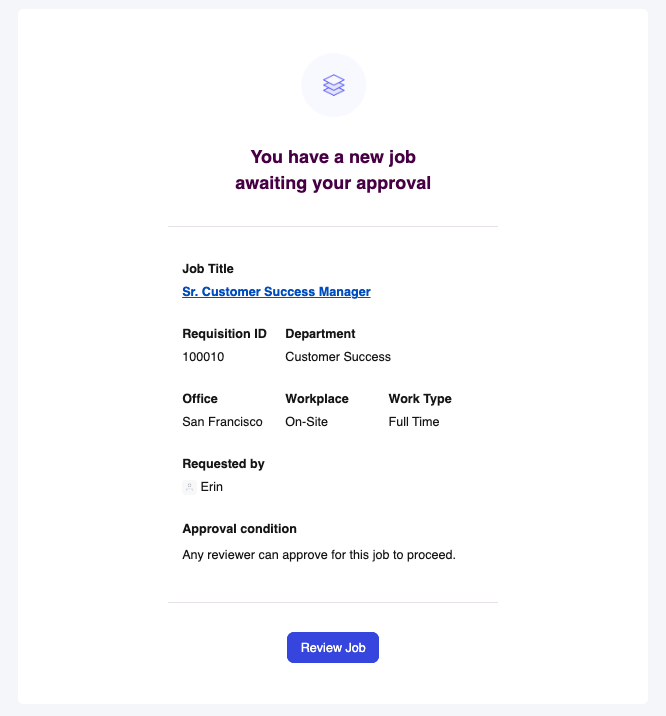
As a Job Approver, you will receive an email notification when there is a Newly created job that needs to be reviewed. You can click on the Review Job button to be redirected to the Kula Job page.
Alternatively, you can:
Navigate to the Jobs tab.
Find and select the job that requires your approval from the list.
Carefully review the job title, description, requirements, and any other relevant details.
If the job details are accurate and complete, click on the Approve button.

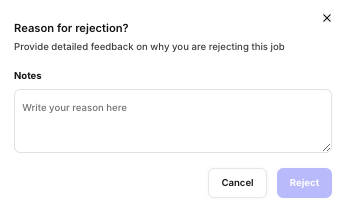
If any revisions are needed, click the Reject button to request changes. Include a note with specific feedback for the recruiting coordinator or recruiter.