Saving and sharing reports
Last updated: September 26, 2026
Once you've built a report the way you want it, you can save it, schedule it to land in inboxes automatically, or download it. This article covers all three.
Who can do this: Recruiter, Hiring Manager, Admin, Super Admin — whoever has access to Reports can save and share what they build.
Where to find it: Reports → open a Default or Custom report → Edit mode.
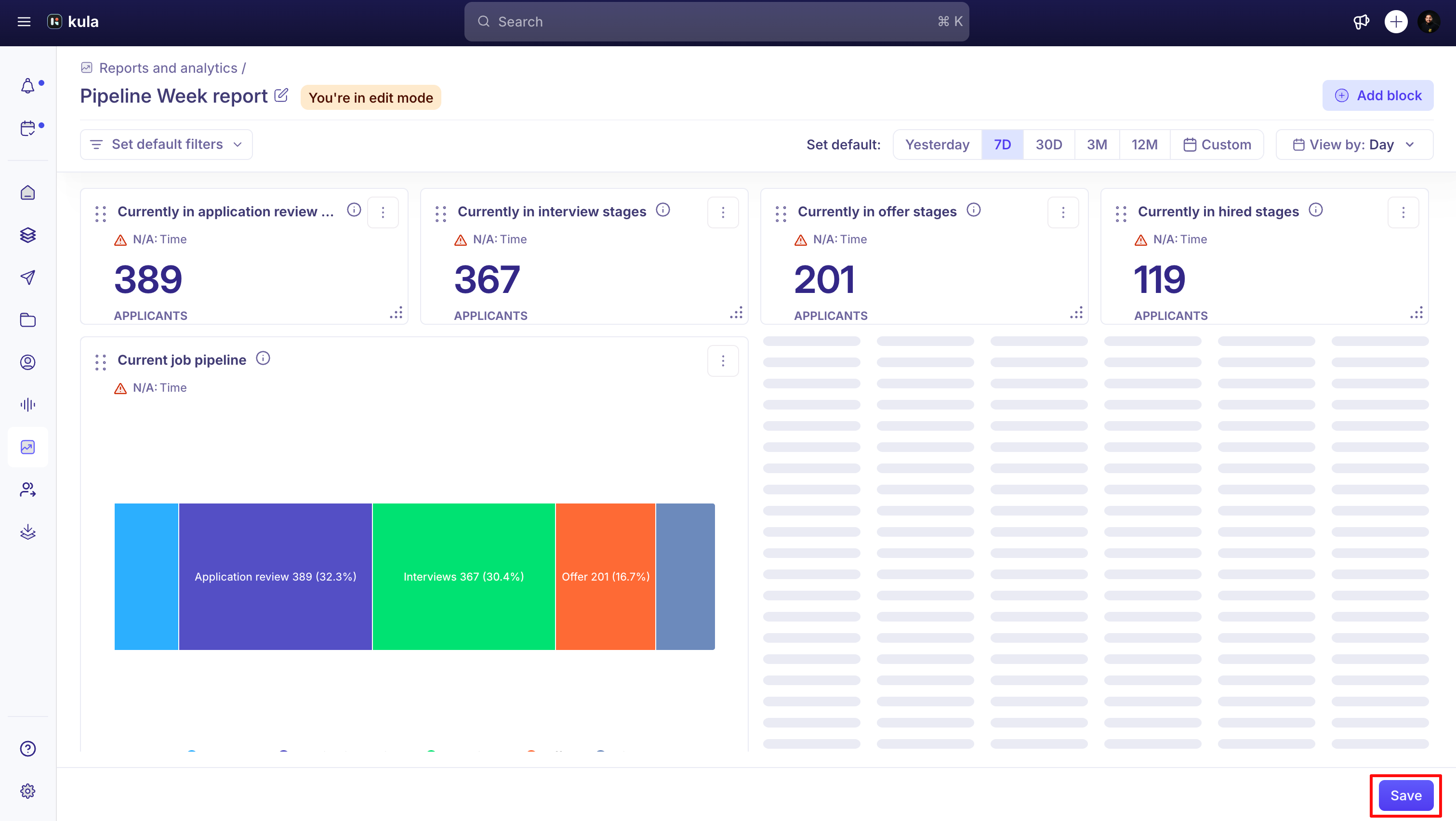
Save your changes
Reports open in View mode by default — anything you adjust there is temporary and resets on refresh. To keep changes, switch to Edit mode and click Save; report customisation is then saved at the account level so it's there the next time anyone opens it.
Share by email
Schedule a report to be emailed on a recurring basis — daily, weekly, or monthly — at a specific time and time zone. The report's name is included in the scheduled email's subject line.
You can add recipients outside your organisation to a scheduled or one-off report, but this is currently only available on agency accounts; external addresses are shown with an "external" tag in the recipient list so it's clear they're outside Kula.

Download it
Export a report as CSV or PDF directly from the report page — this works on both Default reports (like Pipeline) and Custom reports.
Good to know
Report names are capped at 250 characters when scheduling.
Sharing a scheduled report with an outside email address only works on agency accounts — everyone else can only schedule to teammates inside their Kula organisation.
CSV columns on Default Reports aren't customisable yet — you get the report's standard column set; adding or removing columns for a CSV export isn't currently possible.
Renaming a metric while also saving its filters, group-by, and breakdown together isn't fully supported yet — if you rename a saved metric, double-check the rest of its configuration held.
FAQ
Can we customize or change the default columns for CSV files on the Reports and Analytics page? For example, I downloaded the offers CSV and it's missing candidate email addresses.
Not today — Default Report CSV exports use a fixed column set that isn't currently customisable. If a column you need is missing, build the same view as a custom report.
Need help?
If you have questions or need assistance, reach out to us at support@kula.ai or use the in-app chat.