Bulk Self-Scheduling Link
Last updated: April 11, 2025
The Bulk Self-Scheduling Link feature allows you to send personalized scheduling links to multiple candidates at once, perfect for saving time when candidates are in the same interview stage.
When to use this
Use this feature when you have several candidates in a stage with an interview activity. Instead of sending links one at a time, you can generate and send them in bulk.
Here's our step-by-step-guide
Open the job and navigate to the stage that includes the self-scheduling interview activity.
Check the box next to each candidate you'd like to include. They must be at a stage where an Interview activity has already been configured.
Once selected, click the Send self-scheduling link button at the bottom.

Click on the Start self-schedule button to proceed.
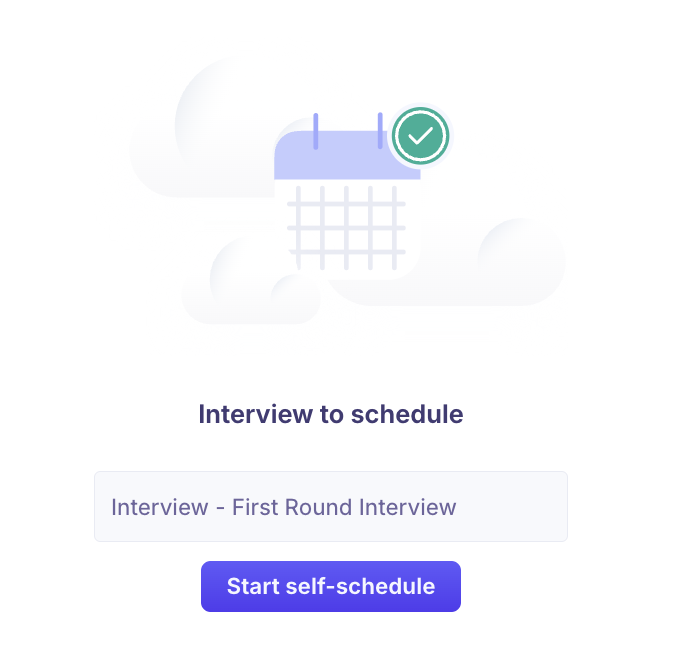
A popup will open where you can define availability for the interviews.
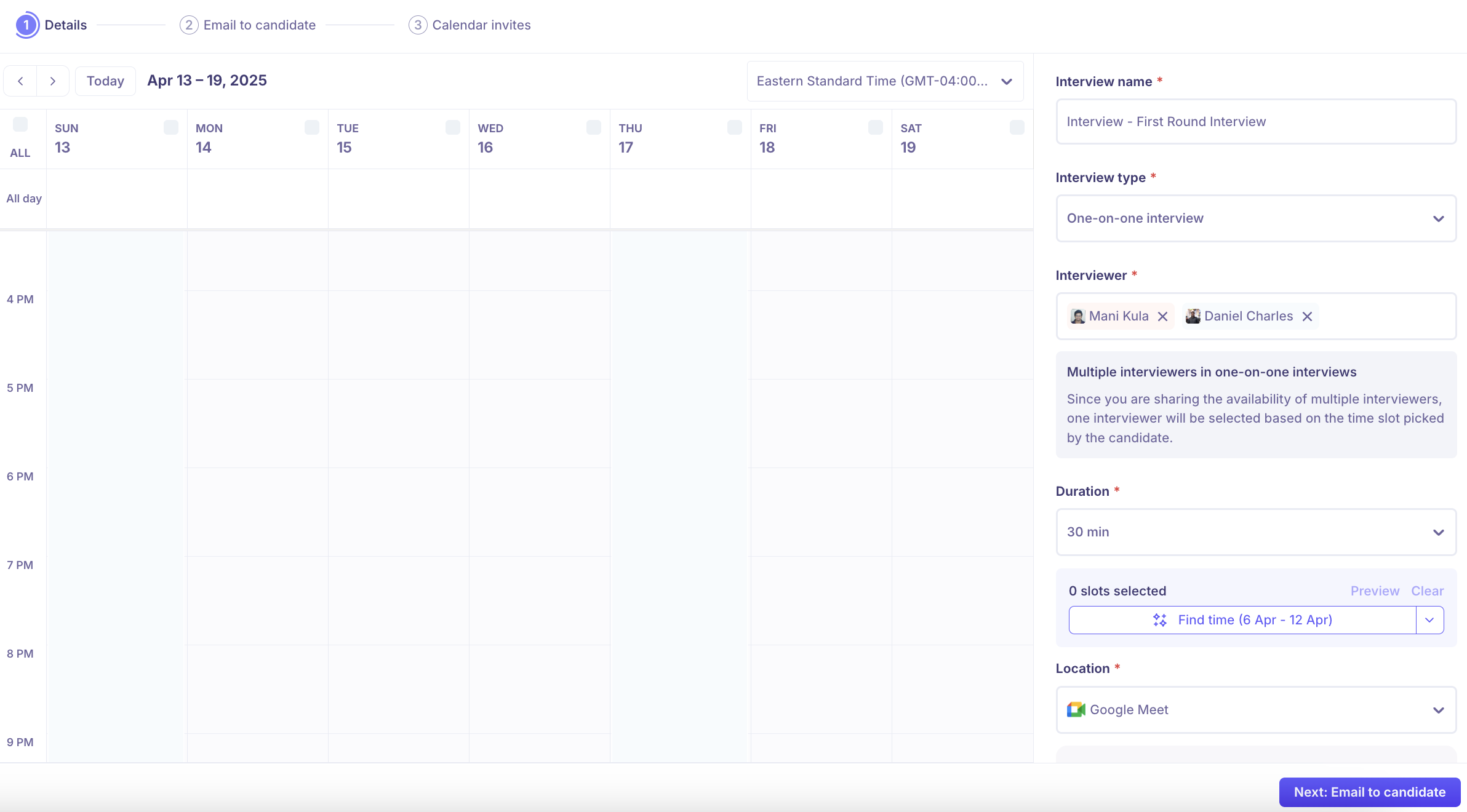
Let the system automatically find matching time slots based on the interviewers' availability by clicking on the Find time button.
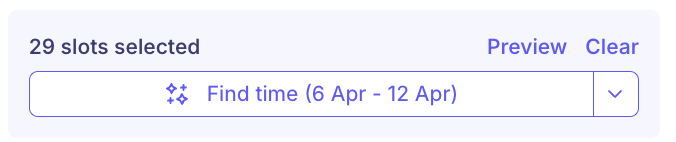
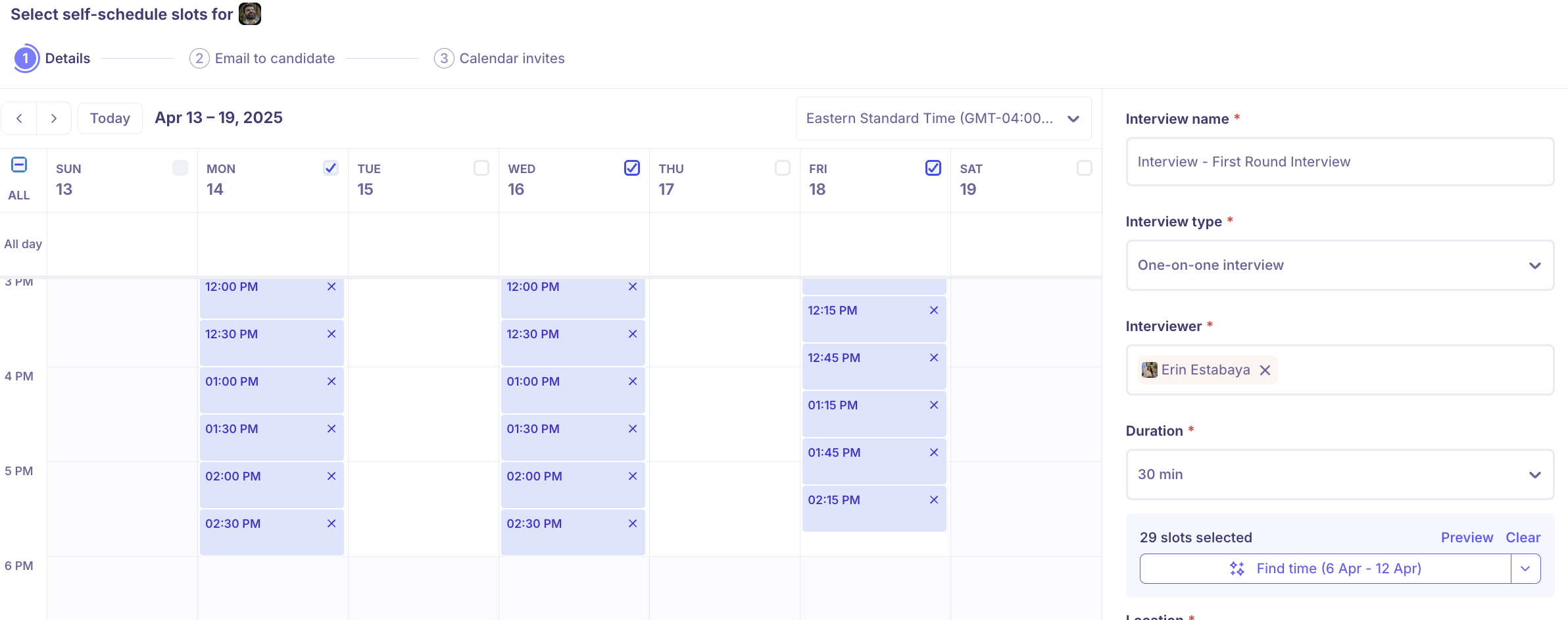
You can check the boxes for specific days you’d like to offer slots on.

Confirm the time options, and click on the Next: Email to candidate button.
One-on-One Interviews with Multiple Interviewers
If the self-scheduling activity includes multiple interviewers for a one-on-one interview format, here’s how it works:
The system checks all interviewers’ calendars and shows the candidate time slots based on any one interviewer being available.
When a candidate selects a slot, the system will assign the interviewer who is available at that time.
This makes scheduling more flexible while still ensuring a personalized, one-on-one experience.