Notifications Center
Last updated: May 27, 2026
The Notifications Center lets you control which Kula notifications you receive and where you receive them. You can send notifications through email, Slack, in-app notifications, or any combination of the three.
Use Notifications Center to reduce noise, prioritize important updates, and route notifications to the channels you actively monitor.
Notification preferences are personal to your account. Your changes do not affect other users.
Path: Personal settings > Notifications Center
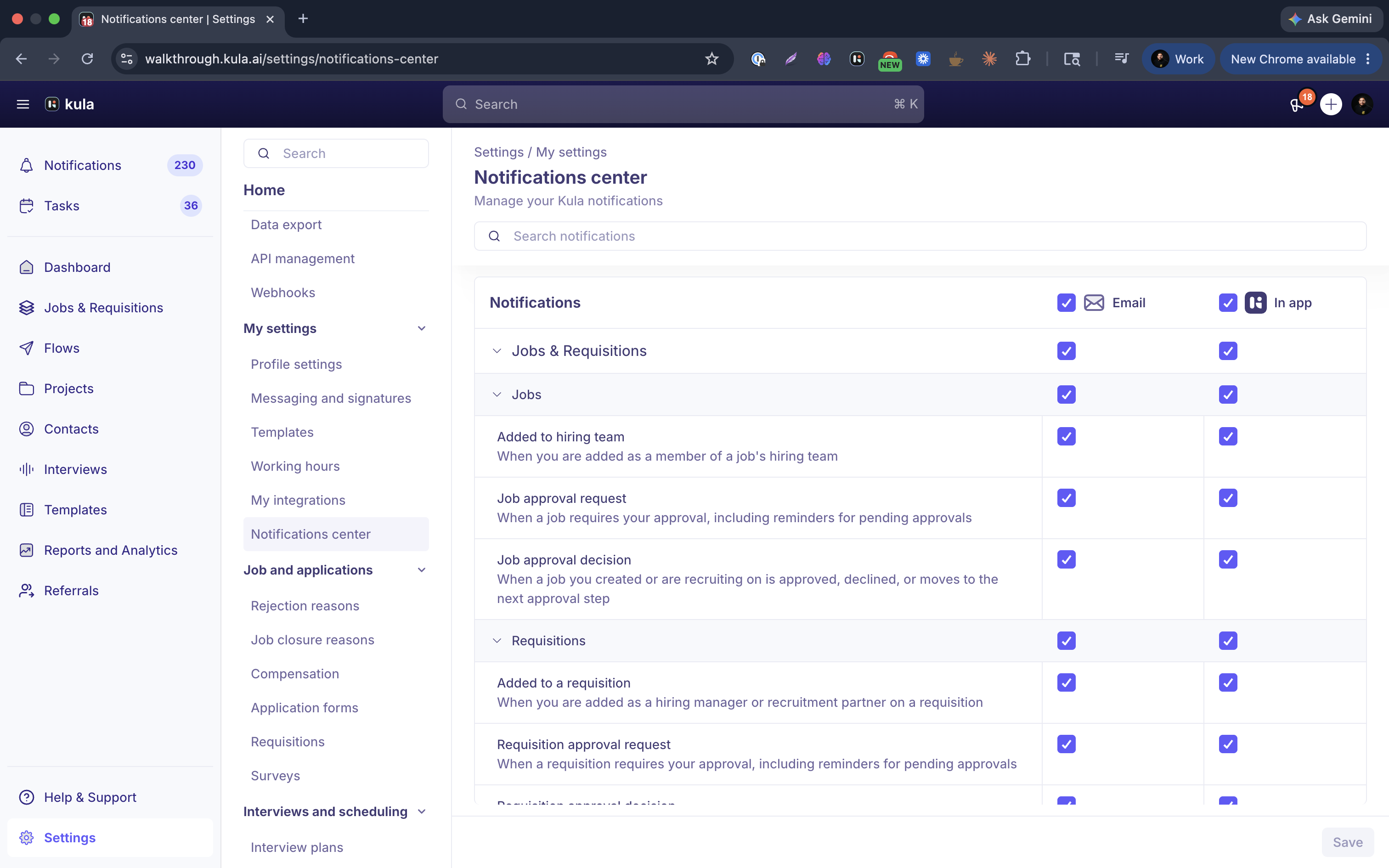
Notification channels
You can enable one or more delivery channels for each notification type.
Email
Sends notifications to the email address linked to your Kula account.
In-app
Shows notifications in the in-product notifications panel from the left sidebar.
Slack
Sends notifications to your connected Slack account.
Notification categories
Notifications are grouped by product area to make them easier to manage.
1. Jobs & Requisitions
Includes:
Approval requests
Hiring team updates
Requisition activity
2. Applications & Pipeline
Includes candidate and hiring activity such as:
Referrals
Interview scheduling
Interview feedback
Scorecards
Candidate reviews
Assessments
Offers
Surveys
3. Collaboration
Includes:
@mentions in candidate notes
4. Flows & Projects
Includes:
Flow activity
Project assignments
Task updates
Project review requests
Manage notification preferences
To update your notification preferences:
Open Personal settings.
Select Notifications Center.
Find the notification you want to update.
Turn the Email, In-app, or Slack checkbox on or off for that notification.
Your changes save automatically.
Some notifications are required and cannot be turned off completely. At least one notification channel must remain enabled for those notifications.