Running a background check with Certn
Last updated: August 26, 2026
Send a candidate for a background check through Certn, right from their profile in Kula. This article covers connecting Certn and sending a check.
Who can do this: Recruiter, Hiring Manager send a check. Super Admin, Admin connect Certn.
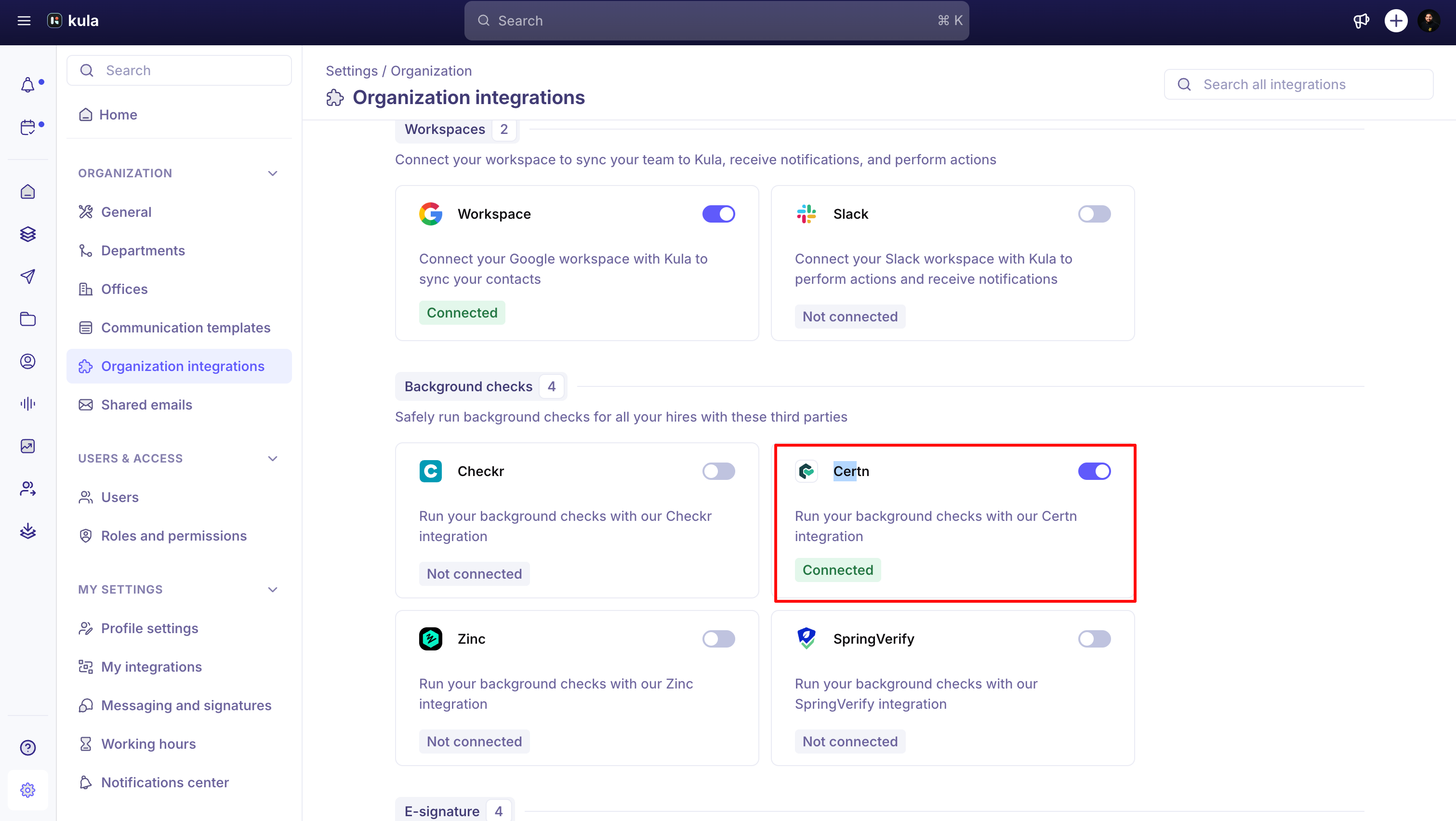
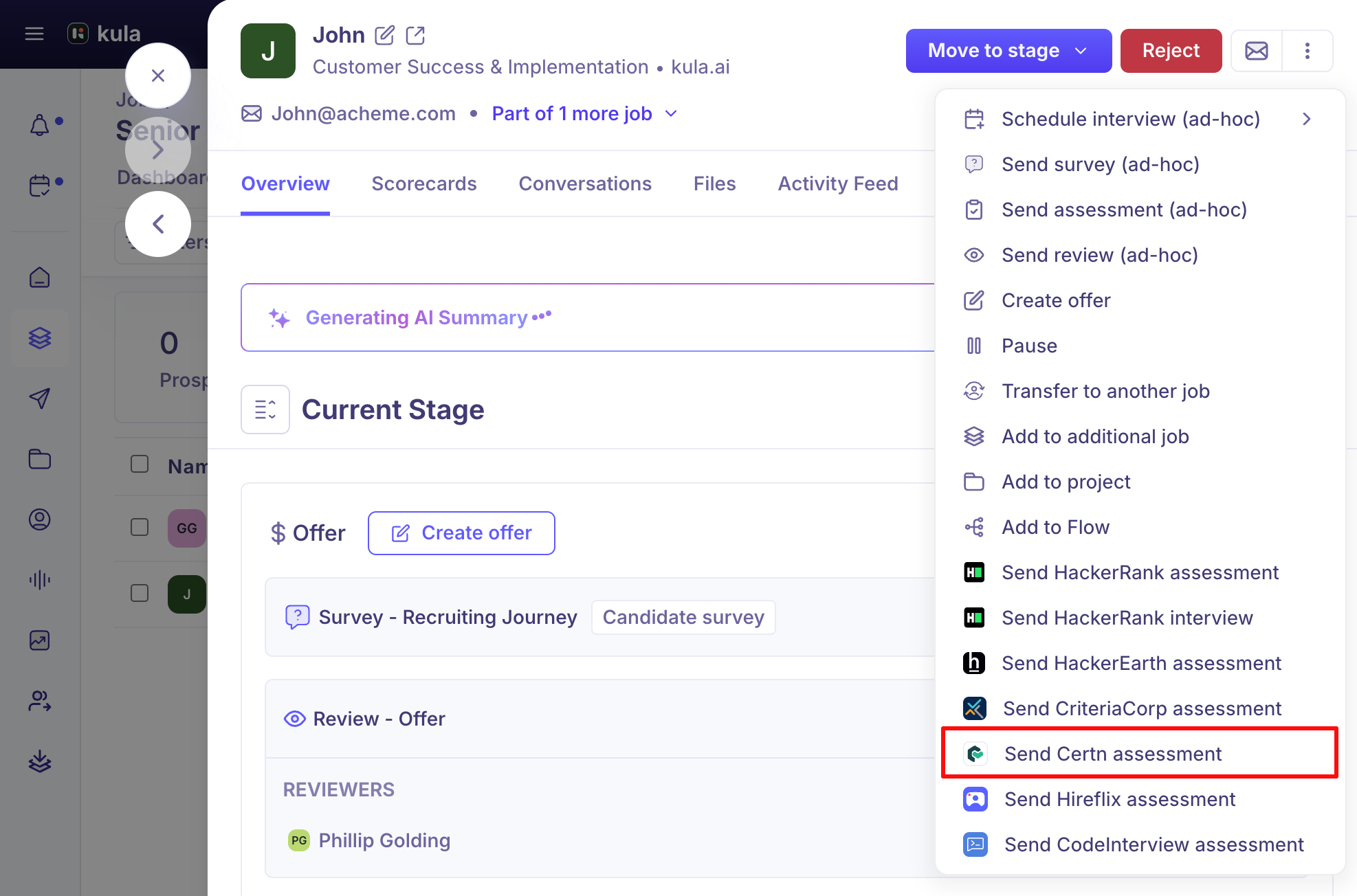
Where to find it: Candidates → open a candidate → actions menu → Send Certn assessment. To connect: Settings → Organisation → Integrations → Background checks → Certn
Connect Certn
Certn needs three pieces of information from your Certn account settings.
Go to Settings → Organisation → Integrations → Background checks → Certn.
Enter your API key.
Select your region — North America, Europe/Middle East/Africa, or Asia Pacific.
Enter your webhook secret.
Click Verify API Key, then save.
Send a Certn assessment
Open the candidate's profile and choose Send Certn assessment from the actions menu. This is unavailable if the candidate has no email address.
Select a package from the dropdown — the checks included in the package (for example criminal, employment verification, or education) show underneath.
Click Submit.
Good to know
Certn is the only one of Kula's background check integrations that needs a region and a webhook secret, not just an API key.
Disconnecting Certn while checks are in progress will affect them — Kula warns you before you disconnect.
Once submitted, view progress and the finished report from the candidate's background check card — see Reading a background check report.
FAQ
I only have an API key — where do I get the region and webhook secret Kula is asking for?
All three come from your Certn account settings, not just the API key. Check Certn's own settings pages if you can't find the region or webhook secret.
Why is the Send Certn assessment option greyed out for this candidate?
Certn assessments need a candidate email address to send an invitation — add one to the candidate's profile first.
Need help?
If you have questions or need assistance, reach out to us at support@kula.ai or use the in-app chat.