Share a referral link
Last updated: March 25, 2026
A referral link is a unique URL tied to your account. When a candidate applies through your link, their application is automatically tagged as your referral.
Use a referral link when you want to share an opportunity without filling in the candidate's details yourself. The candidate completes their own application, and the system links it back to you.
Step 1: Generate a referral link
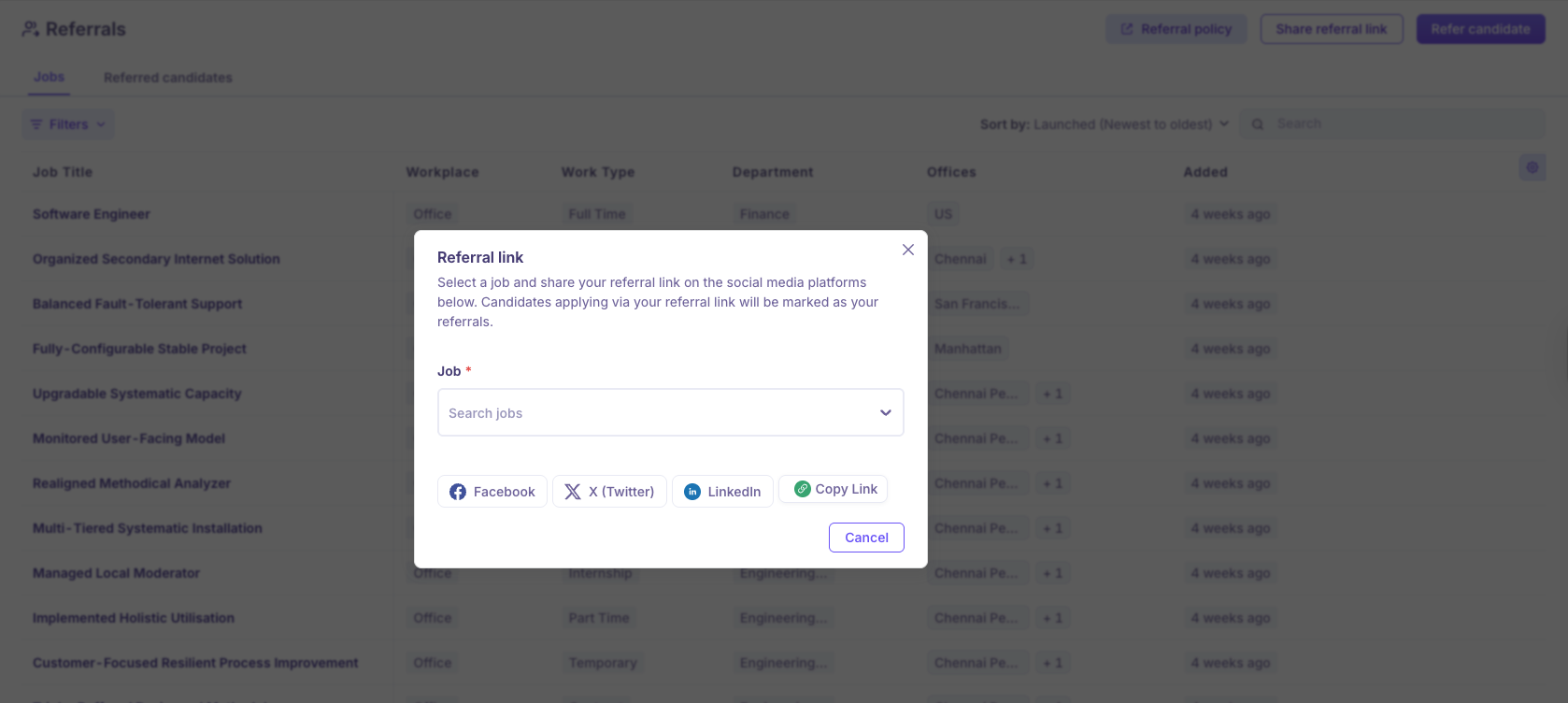
To generate a referral link:
Click Referrals in the left navigation menu.
Click Share referral link in the top-right corner of the page.
The Share referral link dialog opens.
Click the Select job dropdown and choose a role. To generate a link that works for all open roles, select All Jobs.
Copy the link using the copy button next to the URL.
Step 2: Share the link
To send the link to your contact:
Paste the link into a message, email, or any platform where you want to share it.
Or, click one of the social share buttons to post the link directly.
Note: Each referral link is tied to your account. Any candidate who applies through the link is attributed to you as a referral.