Types of scheduling
Last updated: September 25, 2026
Kula gives you more than one way to get an interview on the calendar, because not every interview needs to be booked the same way. This article maps out what's available, so you can pick the right one instead of using the same method every time.
Every method starts from the same place: a candidate's Interview activity on their application. From there, your options depend on what's set up in the job's interview plan and what's connected on your account.
Who can do this: Anyone who can manage the job's candidates
Where to find it: The candidate's Interview activity on their application.
Schedule manually
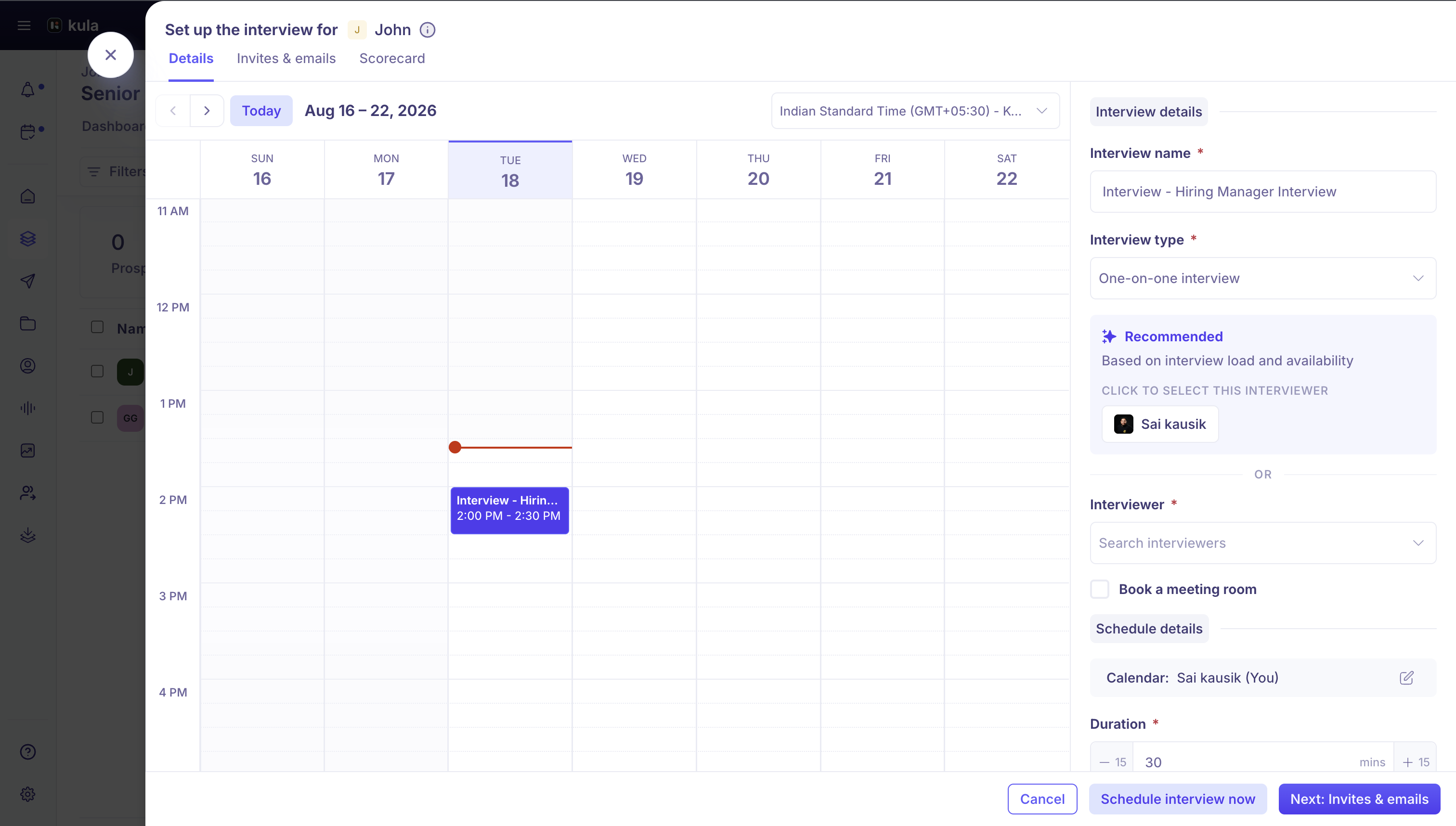
You pick the interviewer, date, and time yourself, based on what you already know about everyone's calendars. This is the default option and works for any interview kind, one-on-one or panel.
Schedule with AI
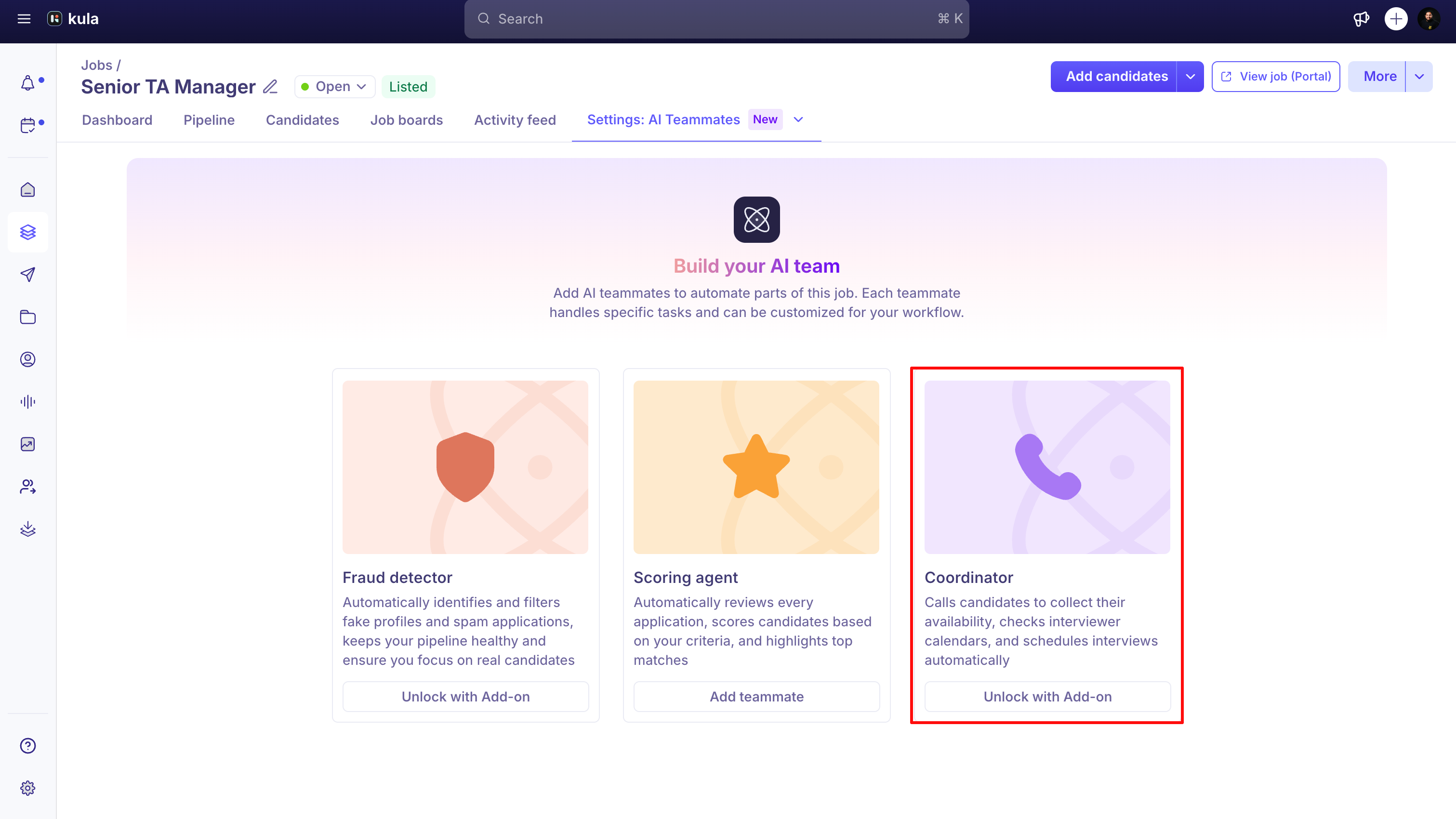
If your account has the Coordinator Agent turned on, Kula's AI can find a time and handle the back-and-forth of getting it booked for you, instead of you working out interviewer availability by hand.
Send a self-schedule link
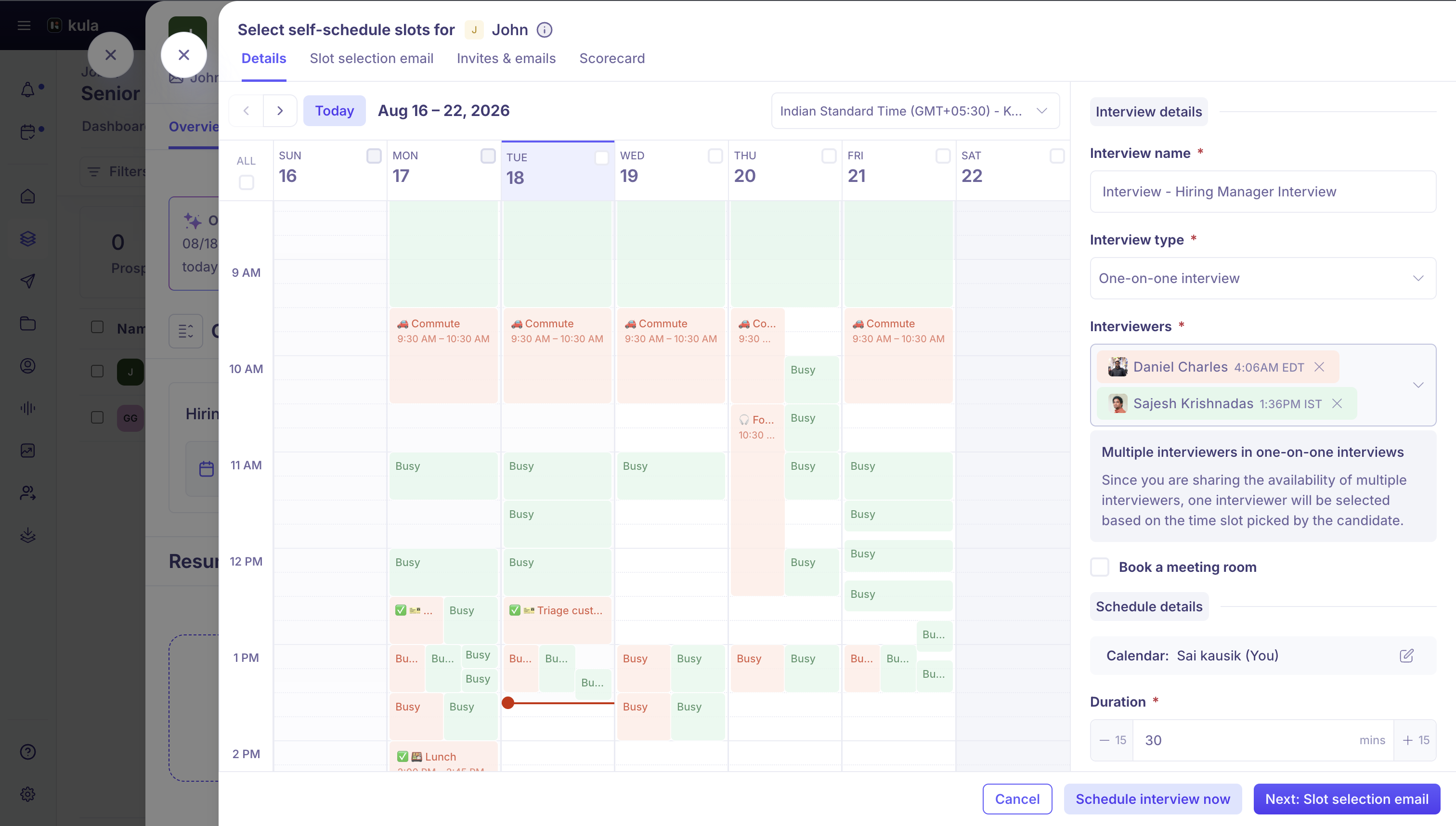
Instead of picking a time yourself, you send the candidate a link where they book directly from real interviewer availability. As soon as they pick a slot, Kula books it and sends calendar invites. See Sending self-schedule links for sending several at once.
Request availability
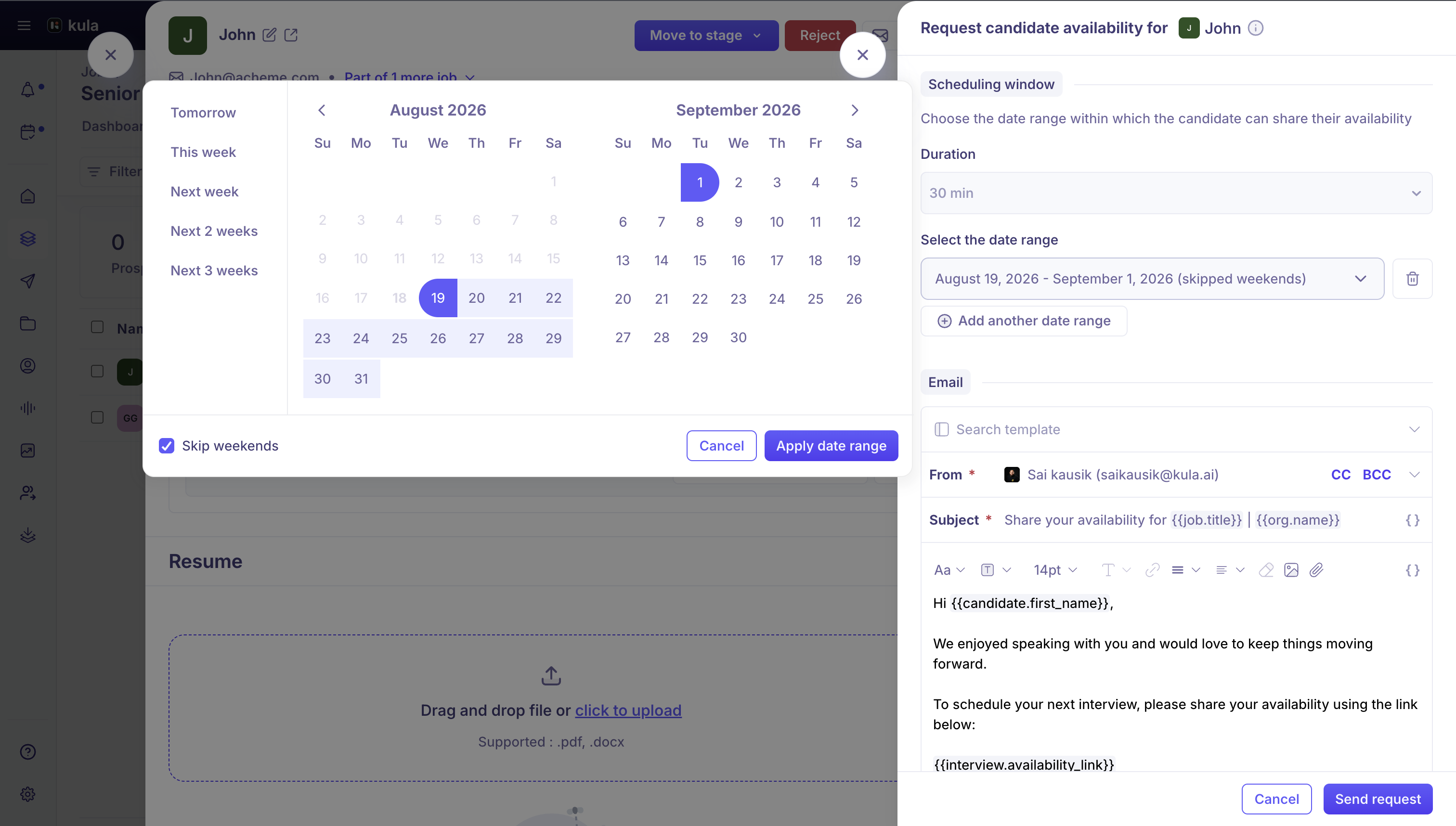
You ask the candidate to share the times that work for them, without committing an interviewer's calendar yet. Nothing is booked until you review what they submit and schedule the interview yourself. See Requesting Candidate Availability.
Panel interviews
Some interviews need more than one interviewer in the room at the same time. Whether an interview is one-on-one or a panel is set by the Interview type on the interview activity in the job's interview plan. You don't choose it per candidate.
One-on-one interview: add the interviewers you want, or pick an interviewer pool.
Panel interview: add every interviewer who should attend. Panels can't use interviewer pools, because everyone needs to be in the same session.
However you schedule a panel (manually, with AI or with a self-schedule link), every panel interviewer is booked into the same slot.
Scheduling multiple interviews at once
When a stage has more than one interview activity, for example separate technical and culture-fit interviews back to back, you can book them all for a candidate in one pass. Use Schedule all interviews in the stage's Activities header on the candidate's application. Kula finds a time that works across every interview and interviewer, and schedules them as a set. See Schedule All Interview at once.
This only groups interviews in the same stage. Interviews in a later stage are scheduled once the candidate moves into it.
Good to know
Self-schedule links need your calendar connected. If it isn't, Kula asks you to connect it before you can send one.
Nothing is booked from an availability request until you review the candidate's times and schedule the interview yourself.
One-on-one or panel is set in the interview plan. You can't switch it when you schedule.
Panels can't use interviewer pools. Add each panel interviewer directly in the interview plan.
Schedule all interviews needs at least two unscheduled interviews in the stage. With only one left, schedule it on its own.
FAQ
Which option should I use? Schedule manually when you already know a time that works. Send a self-schedule link to let the candidate pick from real interviewer availability. Request availability when you want the candidate's times before committing anyone's calendar. Use Schedule with AI if your account has the Coordinator Agent turned on.
Why can't I see Schedule all interviews on a stage? The stage needs at least two interviews that haven't been scheduled yet. The button is also unavailable when the candidate has no email address.
Can I turn a one-on-one interview into a panel when I schedule it? No. Whether an interview is one-on-one or panel is set in the job's interview plan.
Does a self-schedule link work for a panel? Yes. It books every panel interviewer into the slot the candidate picks.
Can I schedule interviews from two stages together? No. Schedule all interviews only groups interviews in the same stage.
Need help?
If you have questions or need assistance with setup, feel free to reach out to us at support@kula.ai or use the in-app assistance.