Using the AI notetaker in interviews
Last updated: September 26, 2026
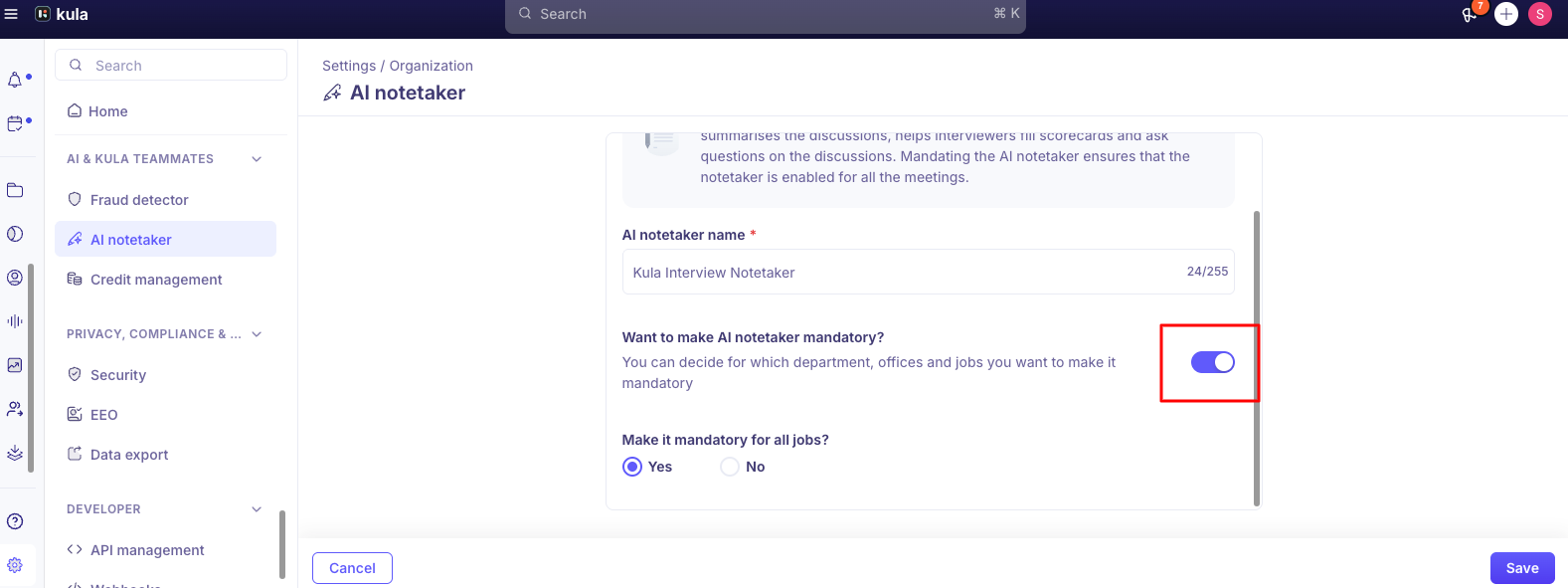
After an interview with the AI Notetaker, Kula has a recording, a transcript and an AI summary of the conversation, alongside any notes the interviewers wrote themselves. This article shows where to find them, what the summary contains, and how to ask questions about the interview. For turning the Notetaker on, see Setting up the AI Notetaker.
Who can do this: anyone who can see the interview can view its recording, transcript and summary, and add notes. Seeing other interviewers' private notes needs the View all private notes permission (Super Admins by default). Downloading a recording is limited to Super Admins, Admins and Recruiters on the job.
Where to find it: Interviews → Past Interviews → open the interview. The Notes tab is always there; Summary and Recording appear when the Notetaker was on..
Two kinds of notes
Your notes: written by an interviewer in the Notes tab, before or after the interview. Always available, with or without the Notetaker.
The AI summary: created from the recording and transcript, only if the Notetaker was on. It's in the Summary tab.
They stay separate, so review both.
Write your own notes
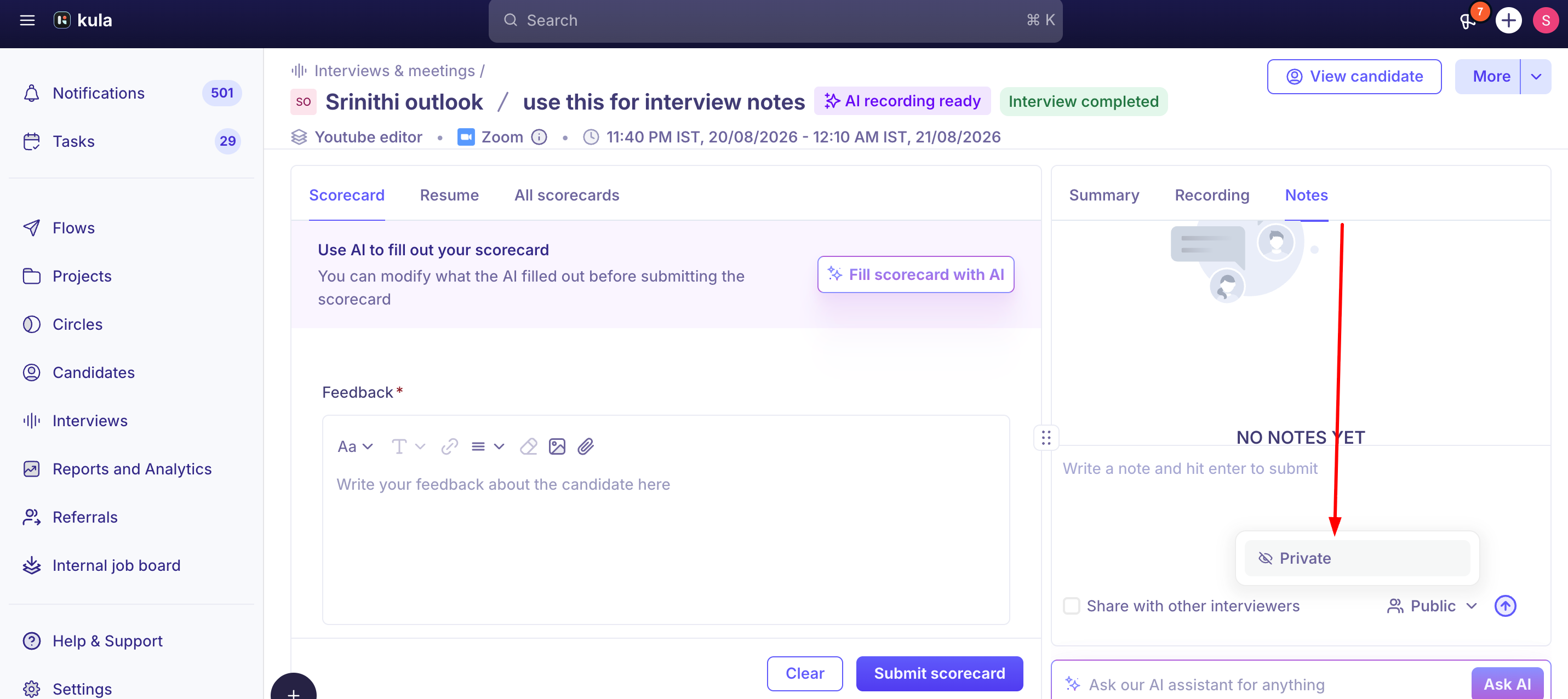
Open the Notes tab and write your observations. Two settings control who sees them:
Share with other interviewers: makes the note visible to the rest of the panel.
Visibility: Public or Private: private notes are yours. Only people with the View all private notes permission can see someone else's private notes.
Finding the recording, transcript, and summary
After an interview with the Notetaker completes, open Interviews → Past Interviews and click into that specific interview. You'll find:
The recording — a video player for the interview itself.
The Transcript — the full text of the conversation.
The Summary — the AI-generated write-up of key discussion points.
There's a keyword search box within the Notetaker view that lets you type a term and jump to where it came up — useful for finding a specific topic in a long interview without scrolling the whole transcript. This search box is scoped to that one interview, not your whole candidate history.

Ask about the interview
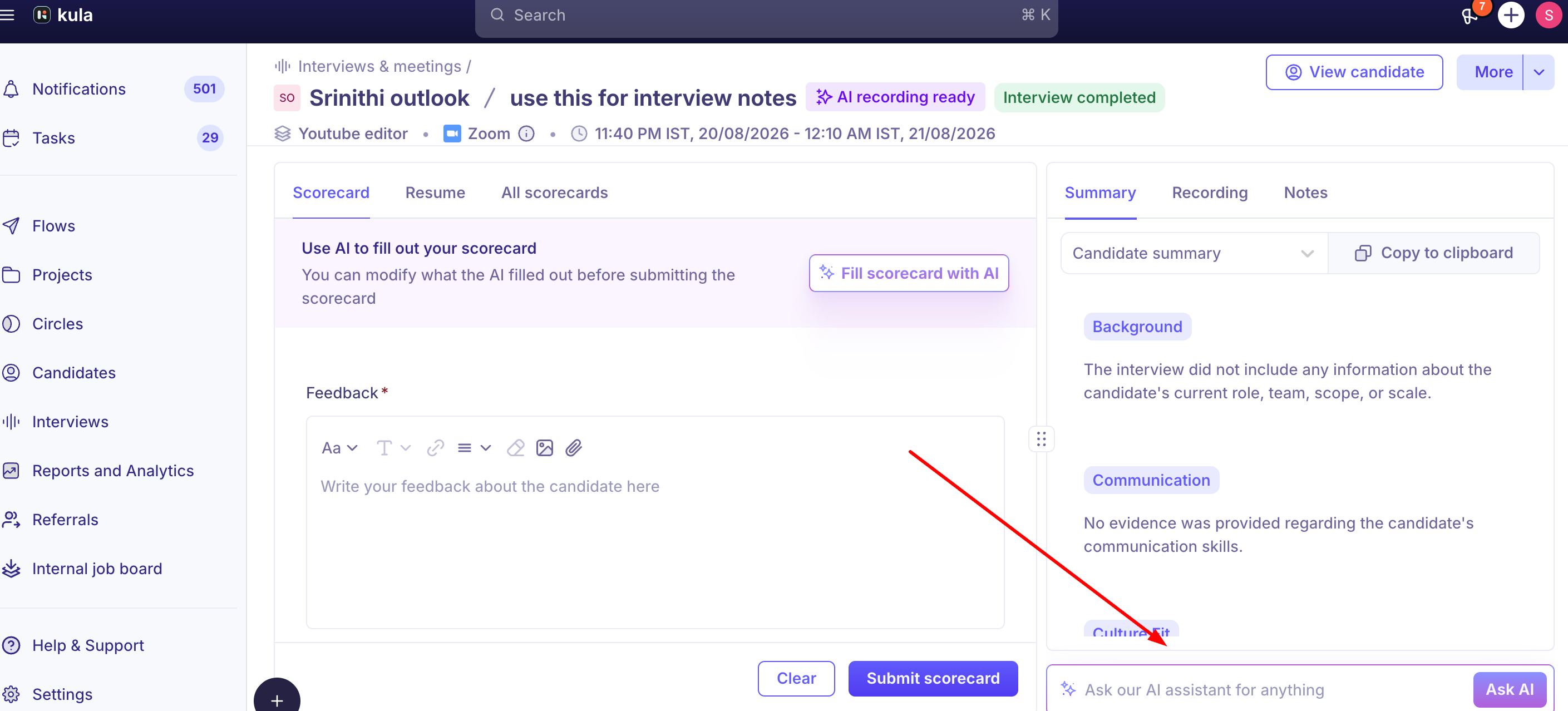
Type a question into Ask about this interview on the interview's page, for example "Did they mention their notice period?" It answers from this interview's transcript and summary only.

To ask about the candidate's whole file (every interview, note and scorecard), use the AI Assistant on the candidate's profile instead.
What the AI summary contains
Once generated, the Summary tab offers multiple views you can switch between:
Candidate Summary — a high-level overview of the candidate's responses and the overall discussion
Question & Answer — key questions asked and the candidate's responses
Topic Highlights — important topics covered during the interview
Candidate Fit: how well the candidate matches the role
Highlights & Lowlights — notable strengths and potential concerns identified
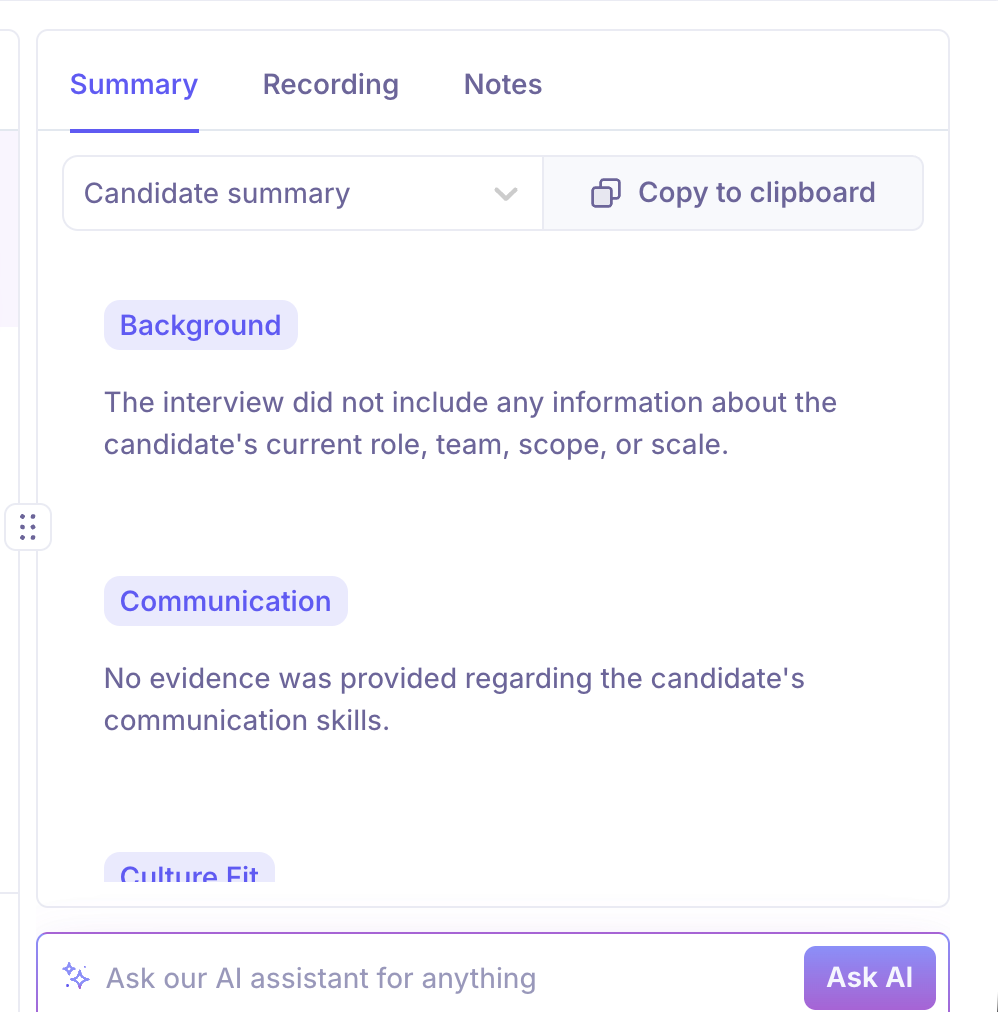
You can copy any of these views to your clipboard to share with others. Separately, the Recording tab (also gated on AI Notetaker being enabled) offers the full transcript, a Chapters view that breaks the interview into summarized, timestamped segments, and a Participants view showing speaking-time breakdown.
An "Ask AI" input at the bottom of the Interview Details page lets you ask a specific question about the interview and get an answer pulled directly from the transcript, without watching the recording — this is the same underlying capability referred to as the "Interview Assistant" in some other articles.
When the summary appears
The summary is created once the interview's scheduled time is over, not when the call ends. If an interview finishes early, the summary appears after the original end time. If it still hasn't appeared after a while, contact support. If there's no recording or transcript at all, see Why an AI recording failed.
Good to know
Check the transcript for anything important. AI summaries and answers can read more positively than the interview was, or get a detail wrong. See Setting up the AI Notetaker for what the Notetaker can't do.
The summary doesn't update if the transcript changes later.
Watching and downloading are different. Hiring managers, coordinators, external recruiters and interviewers can watch a recording but can't download it.
Transcripts stay in Kula. You can't export them or pull them out through an API.
Your own notes aren't included in data exports.
FAQ
Where do I find the recording, transcript and summary? Interviews → Past Interviews → open the interview.
Why hasn't the summary appeared? If the interview ended early, it appears after the scheduled end time. If it's still missing after that, contact support.
What's the difference between "Ask about this interview" and the AI Assistant on the candidate's profile? "Ask about this interview" only knows this interview. The profile's AI Assistant knows the candidate's whole file.
Can I see another interviewer's private notes? Only with the View all private notes permission. Ask a Super Admin.
Can I download a recording? Only Super Admins, Admins and Recruiters on the job can.
Can I add my own notes? Yes, public or private, in the Notes tab.
Need help?
If you have questions or need assistance, reach out to us at support@kula.ai or use the in-app chat.