Default Reports vs Custom Reports
Last updated: March 25, 2026
Kula offers two types of reports — default reports and custom reports. Understanding the difference helps you know where to look for the data you need and when it makes sense to build something of your own.
Default reports
Default reports are pre-built by Kula and cover the most commonly needed hiring metrics. They are available to all users without any setup.
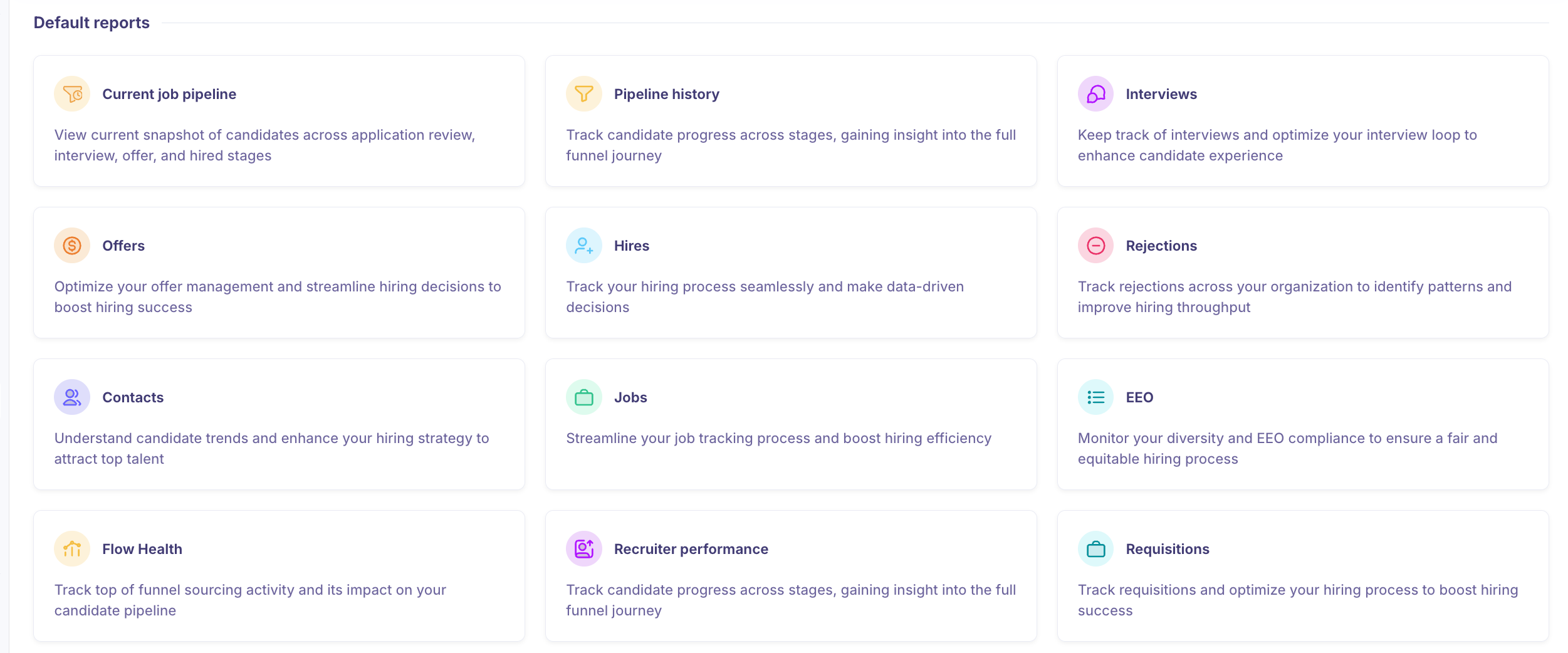
There are 12 default reports in total:
Current job pipeline — View a live snapshot of candidates across application review, interview, offer, and hired stages.
Pipeline history — Track candidate progress across stages and gain insight into the full funnel journey over time.
Interviews — Keep track of interviews and optimise your interview loop to enhance the candidate experience.
Offers — Optimise your offer management and streamline hiring decisions to boost hiring success.
Hires — Track your hiring process seamlessly and make data-driven decisions.
Rejections — Track rejections across your organisation to identify patterns and improve hiring throughput.
Contacts — Understand candidate trends and enhance your hiring strategy to attract top talent.
Jobs — Streamline your job tracking process and boost hiring efficiency.
EEO — Monitor your diversity and EEO compliance to ensure a fair and equitable hiring process.
Flow Health — Track top-of-funnel sourcing activity and its impact on your candidate pipeline.
Recruiter performance — Track candidate progress across stages and gain insight into recruiter-level funnel data.
Requisitions — Track requisitions and optimize your hiring process to boost hiring success.
Default reports cannot be edited or deleted. They support filtering, grouping, and timeframe adjustments, but the underlying report structure is fixed.
Custom reports
Custom reports let you build exactly the view you need by combining report blocks from across Kula's default reports. You choose the name, the blocks, the default filters, and who can see it.
When to use a custom report:
You want to combine metrics from different default reports into a single view (e.g. pipeline health + recruiter performance side by side).
You need a report tailored to a specific team, department, or hiring campaign.
You want to save a filtered view so you don't have to set it up every time.
You're building a report to share with a hiring manager or leadership that focuses only on what's relevant to them.
How report blocks connect them
When you create a custom report, you add blocks — these are individual charts, metrics, and visualizations pulled directly from the default reports. For example, you can add the "Current job pipeline" bar chart as a block alongside the "Rejected Trend" line chart in a single custom report.
This means default reports are also the source library for custom reports. Getting familiar with what each default report contains will help you build better custom reports.
Quick comparison
Default Reports | Custom Reports | |
Setup required | None | Yes — you build it |
Editable | No | Yes |
Shareable | Visible to all | You control visibility |
Blocks | Fixed | You choose |
Filters | Available | Available + saveable as default |
Need Help?
If you have questions or need assistance with setup, feel free to reach out to us at support@kula.ai or use the in-app chat for assistance.