Candidate application experience
Last updated: August 6, 2026
Before a candidate becomes an application in your pipeline, they go through the Career Portal, Kula's public-facing site where job seekers browse open roles and apply. It's separate from the internal Kula app your team uses.
Understanding what candidates see helps you write clearer job posts and application forms, since your job post title, description, and custom fields all appear exactly as configured on this page.
Browsing open positions
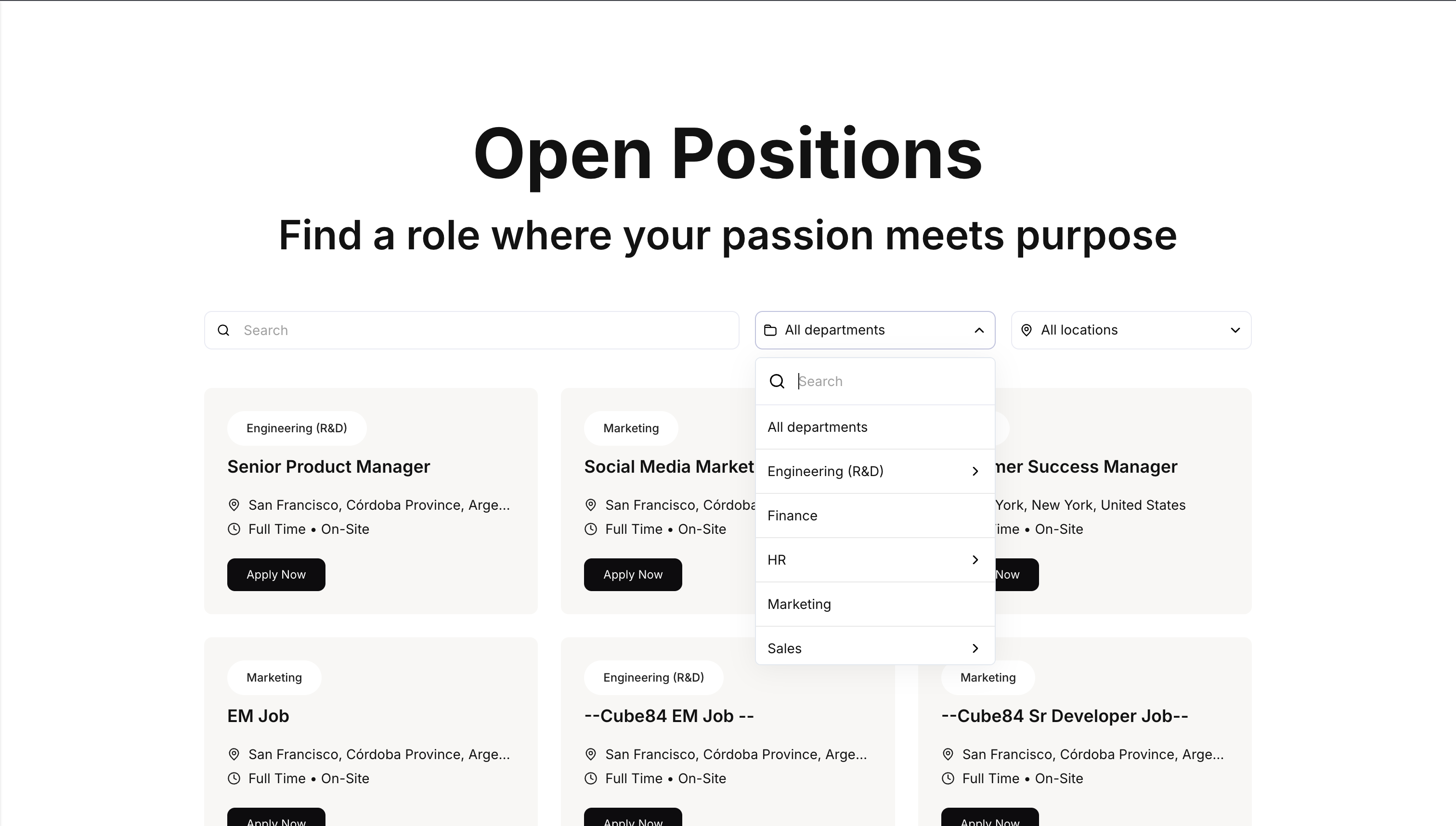
On the Career Portal home page, candidates browse a list of job cards, each showing the department, job title, location, compensation (if configured), work type, and workplace type. They can filter by All departments and All locations.
Applying to a job
The candidate clicks Apply Now on a job card, or from the individual job listing page.
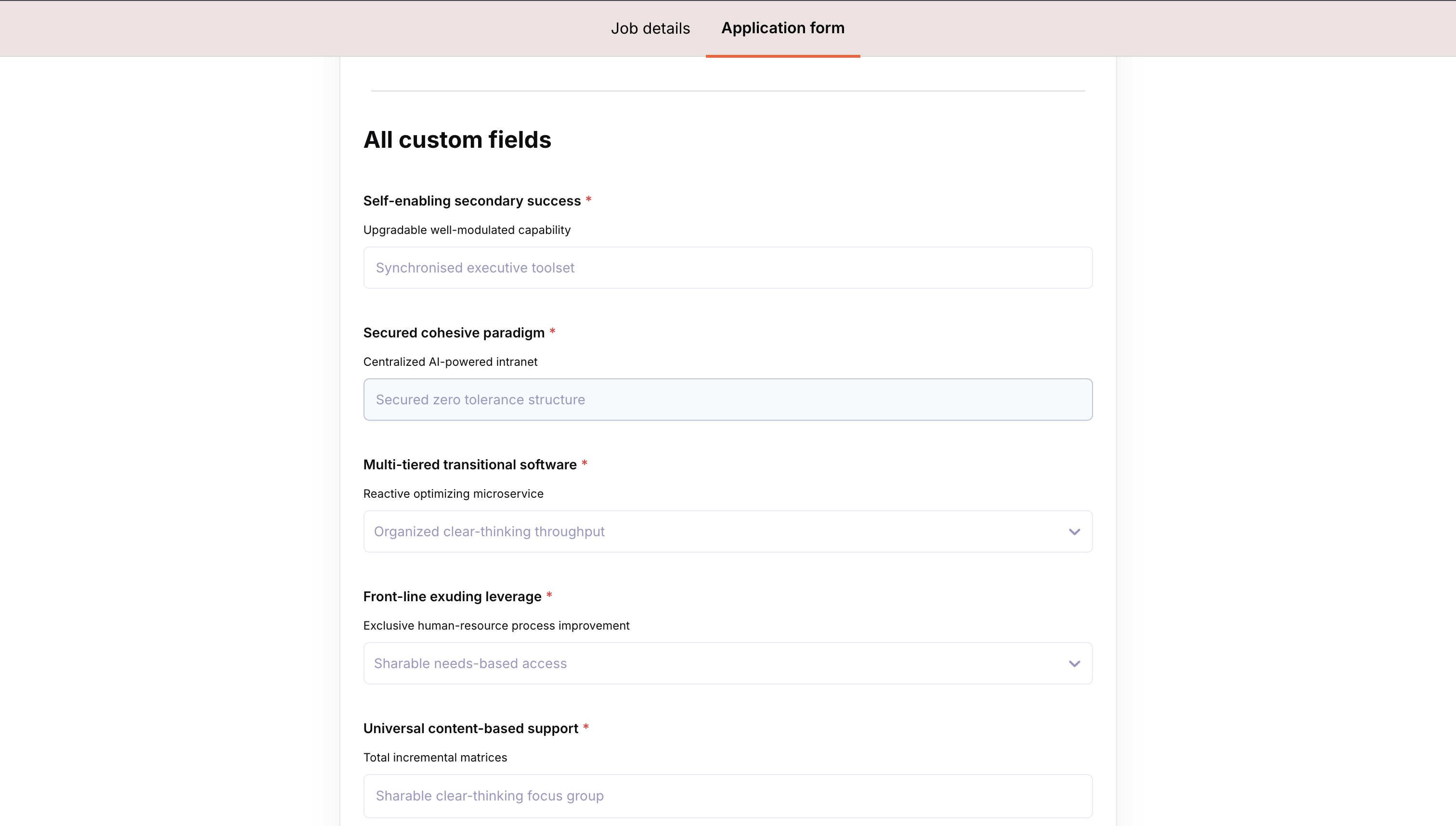
They fill out the job's application form, the same form you configure in Settings, then Job Post.
They submit the application.
After submitting
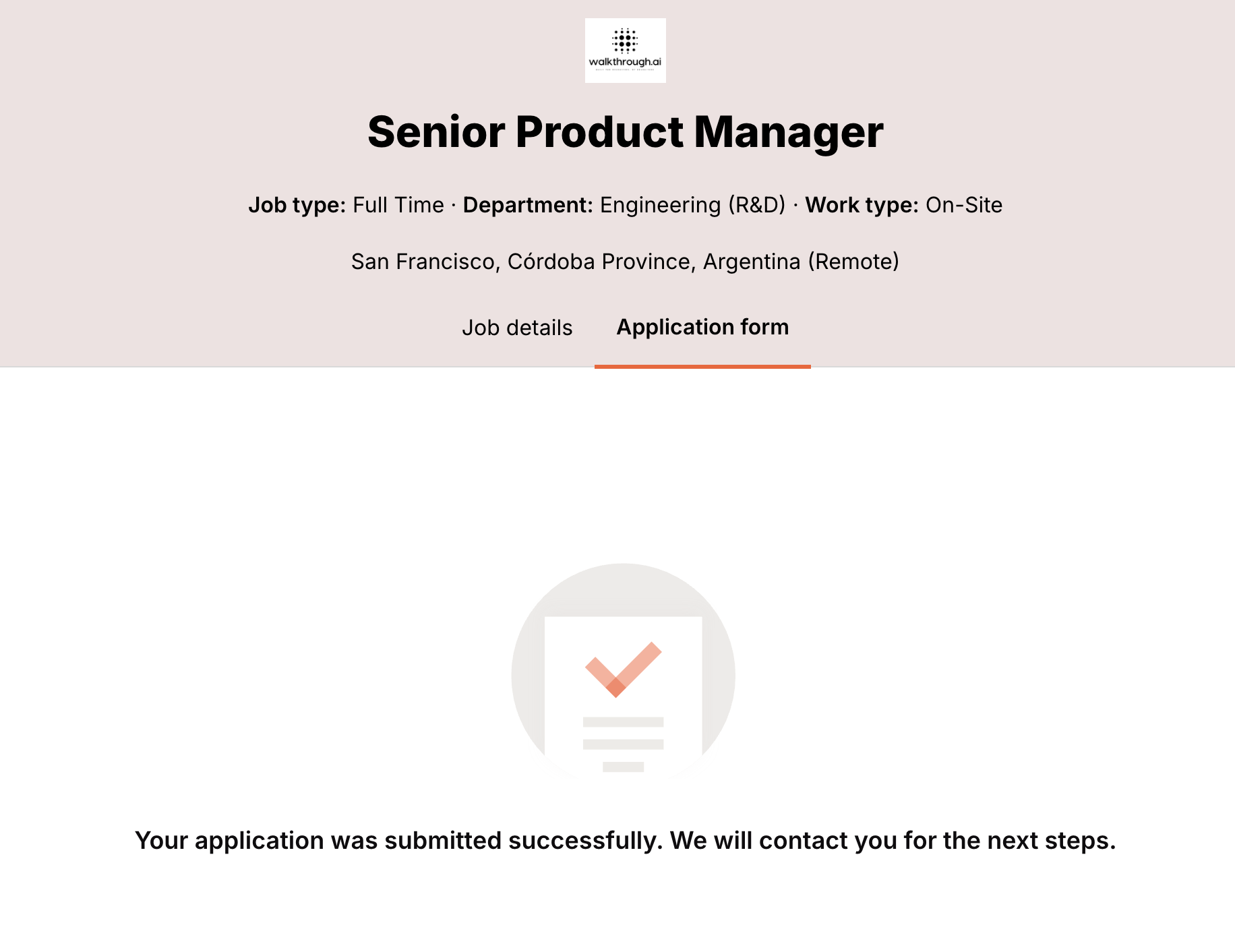
Candidates see a customizable Application submission message after they submit, configured in Settings, then Career Page Builder, under Messaging.
Need Help?
If you have questions or need assistance, reach out to us at support@kula.ai or use the in-app chat.