Required vs. optional fields
Last updated: August 6, 2026
Every field on a job's application form, whether built-in or custom, can be set as required or optional. Required fields must be filled in before a candidate can submit their application. Optional fields can be left blank.
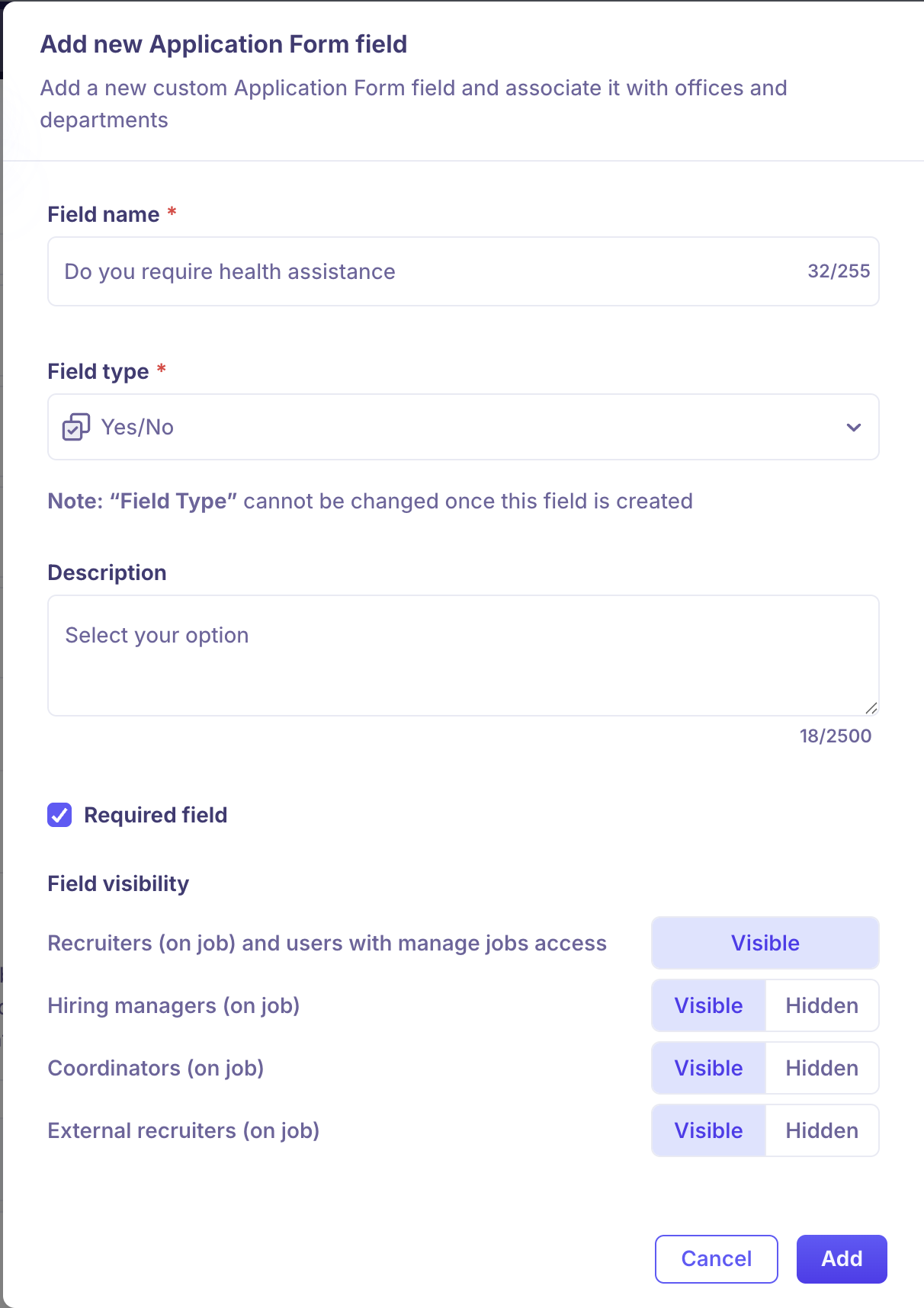
Use required fields for information you can't move a candidate forward without, such as a resume or a work authorization question, and leave lower-stakes fields optional to avoid abandoned applications.
Setting a field as required
Turn on Required field in the Add field modal when you create a custom field, or edit an existing field to change it.
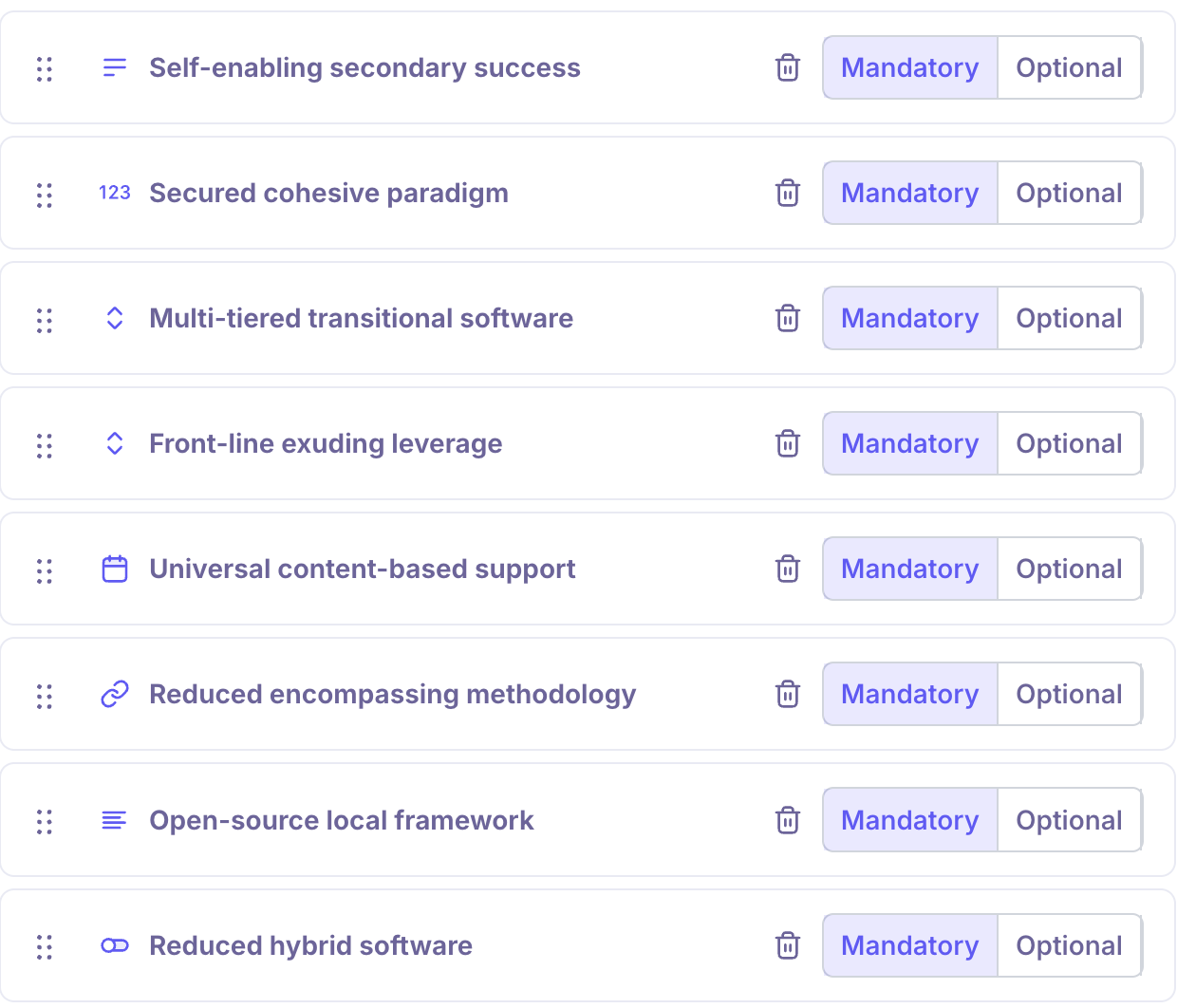
Note: Unlike Field type, which is locked after creation, you can turn Required field on or off at any time.
Required vs. visible
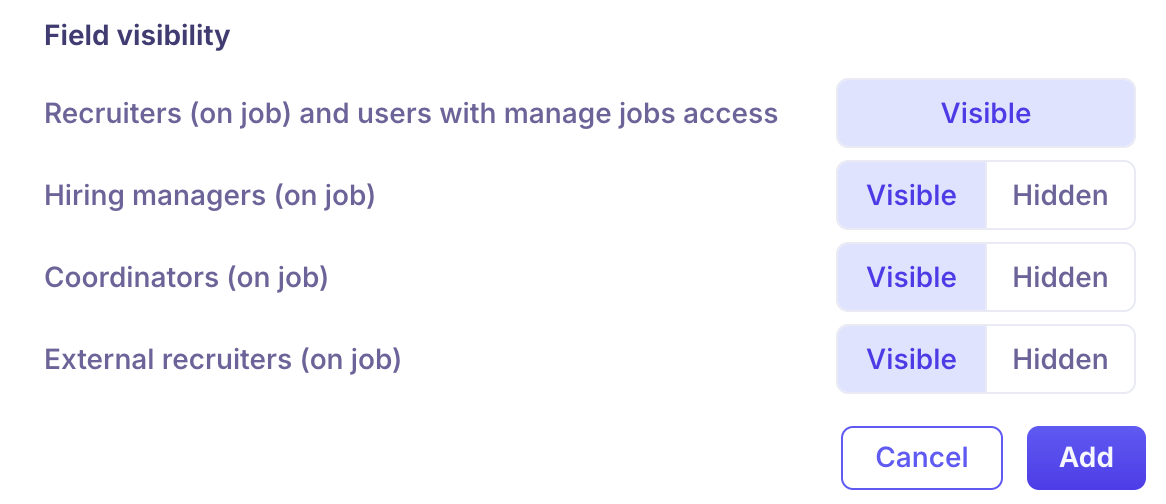
Required and visible are independent settings. Required controls whether a candidate must answer a field before submitting. Field visibility, configured separately per hiring team role, controls whether your team can see that field on the candidate's profile.
Need Help?
If you have questions or need assistance, reach out to us at support@kula.ai or use the in-app chat.