Keyboard shortcut reference
Last updated: September 17, 2026
Kula supports a small set of keyboard shortcuts so you can move through common actions without reaching for your mouse.
Use ⌘K to jump to any candidate, job, or requisition from wherever you are in the app. Use the Quick Review shortcuts to move through applications in the Application Review stage faster, moving candidates forward or rejecting them one at a time.
Who can do this: Any user — these shortcuts follow your existing access; they don't unlock anything you couldn't already do with your mouse.
Where to find it: No settings or setup needed — the shortcuts are active wherever the relevant screen is open.
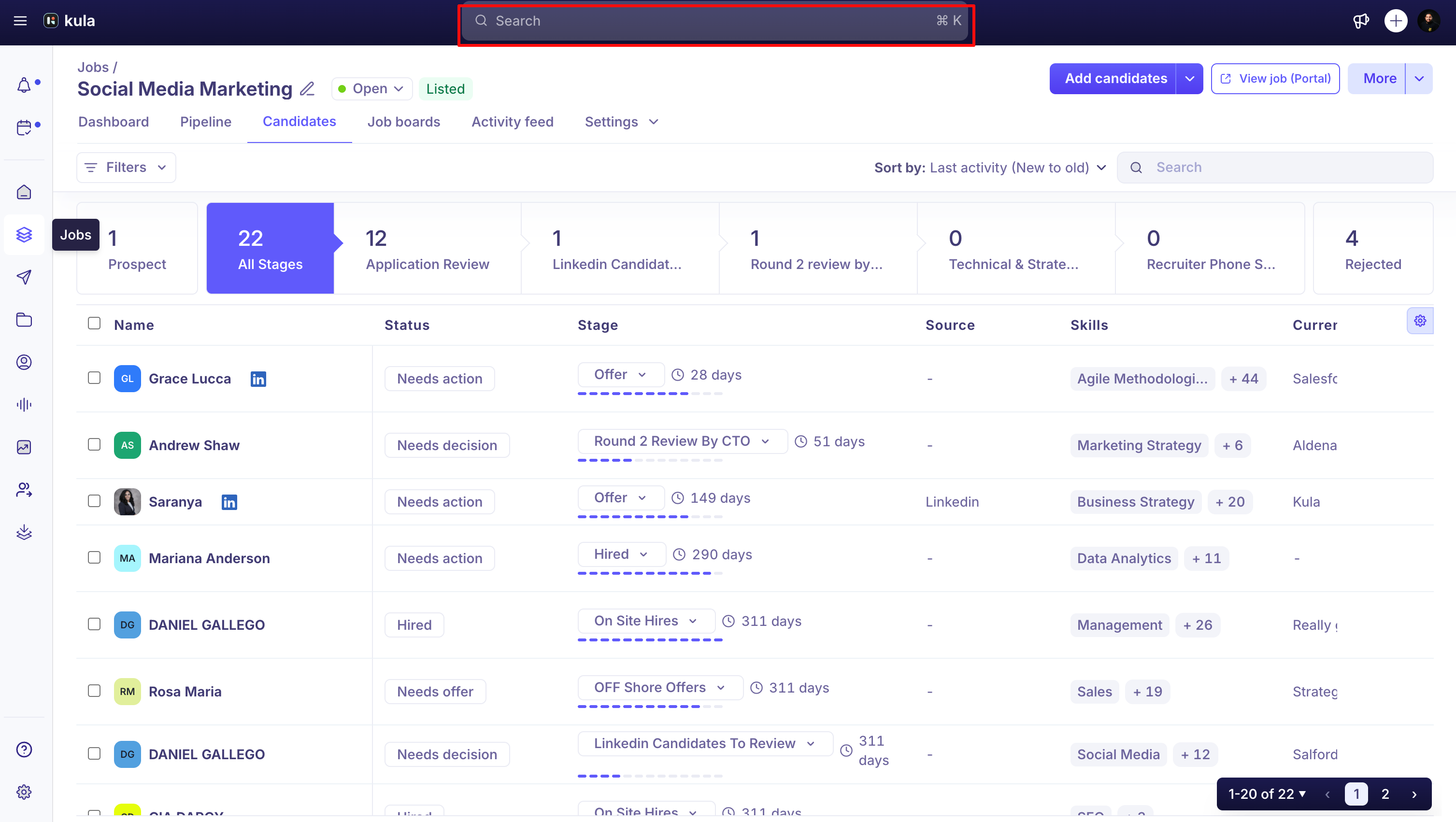
Global shortcuts
This shortcut works from anywhere in Kula.
⌘K (Mac) / Ctrl+K (Windows): Opens Global Search.
Quick Review shortcuts
Quick Review lets you review applications one at a time from the Application Review stage of a job's pipeline. These shortcuts work only while Quick Review is open.
Key | What it does |
|---|---|
Y | Moves the candidate forward to the next stage |
N | Rejects the candidate |
← / → (arrow keys) | Moves to the previous or next candidate in the queue |
U | Undoes your last move or reject, keeping you on that candidate |
Esc | Closes Quick Review |
Note: To open Quick Review, click Quick Review in the Application Review column of a job's pipeline.
Good to know
U only works for a couple of seconds after you act. After you move or reject a candidate with Y or N, Kula holds on that candidate for about 2 seconds before auto-advancing to the next one — U during that window undoes the action and keeps you there; once it's advanced, U no longer applies to that candidate.
Shortcuts don't fire while you're typing in a text field — so typing a note or a rejection reason won't accidentally trigger Y, N, U, or the side menu toggle.
Need help?
If you have questions or need assistance, reach out to us at support@kula.ai or use the in-app chat.