Managing job closure reasons
Last updated: September 26, 2026
Job closure reasons are the list you pick from when closing a job — they capture why a job closed (filled, put on hold, cancelled, and so on), feed job closure reporting, and are included in data exports alongside Candidate Source and Rejection Reason. This article covers creating, renaming, and turning reasons on or off. For the actual steps to close a job, see "Archiving and closing a job."
Who can do this: Admin and Super Admin.
Where to find it: Settings → Job Closure Reasons.
Managing the reasons list
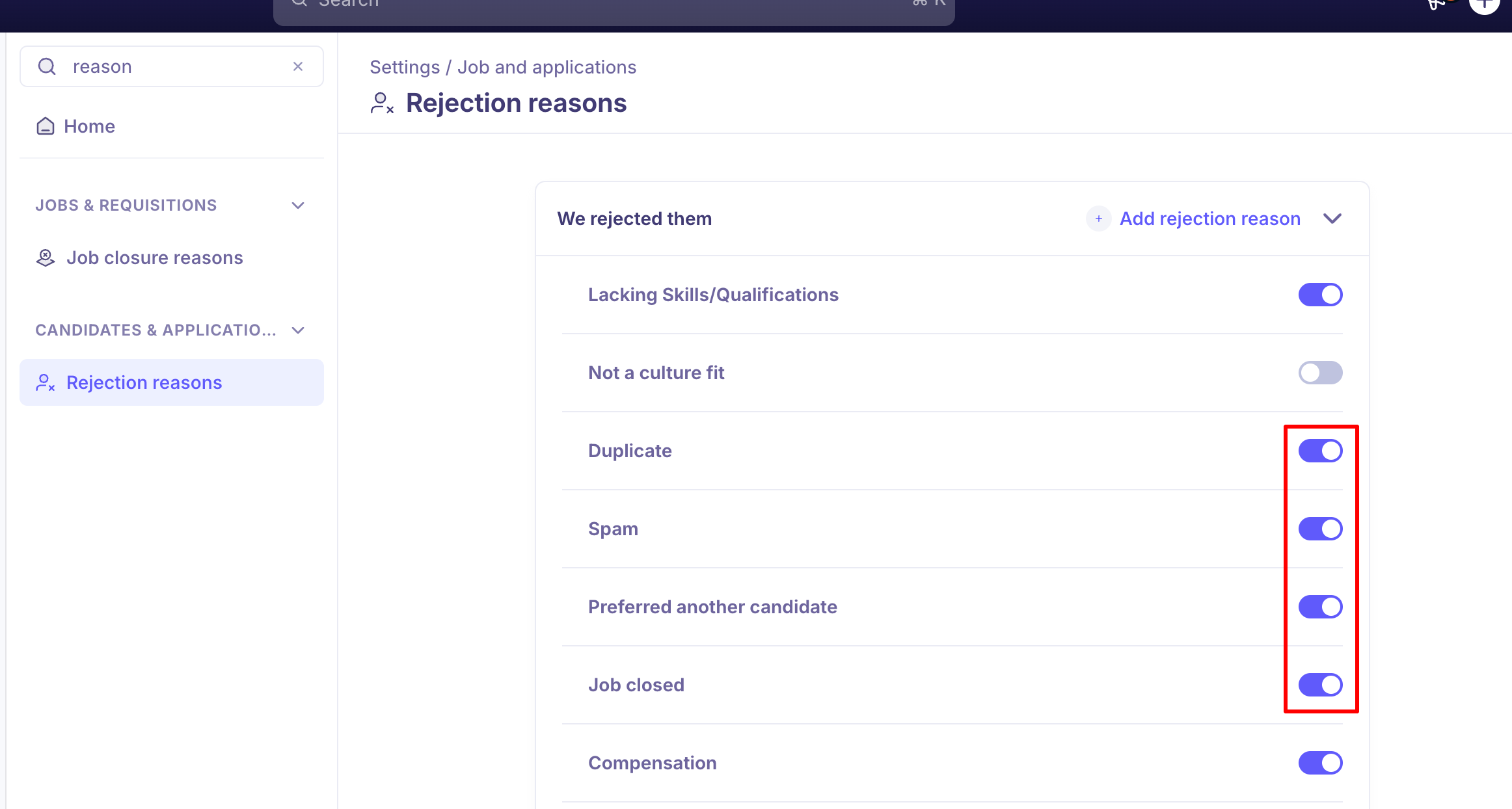
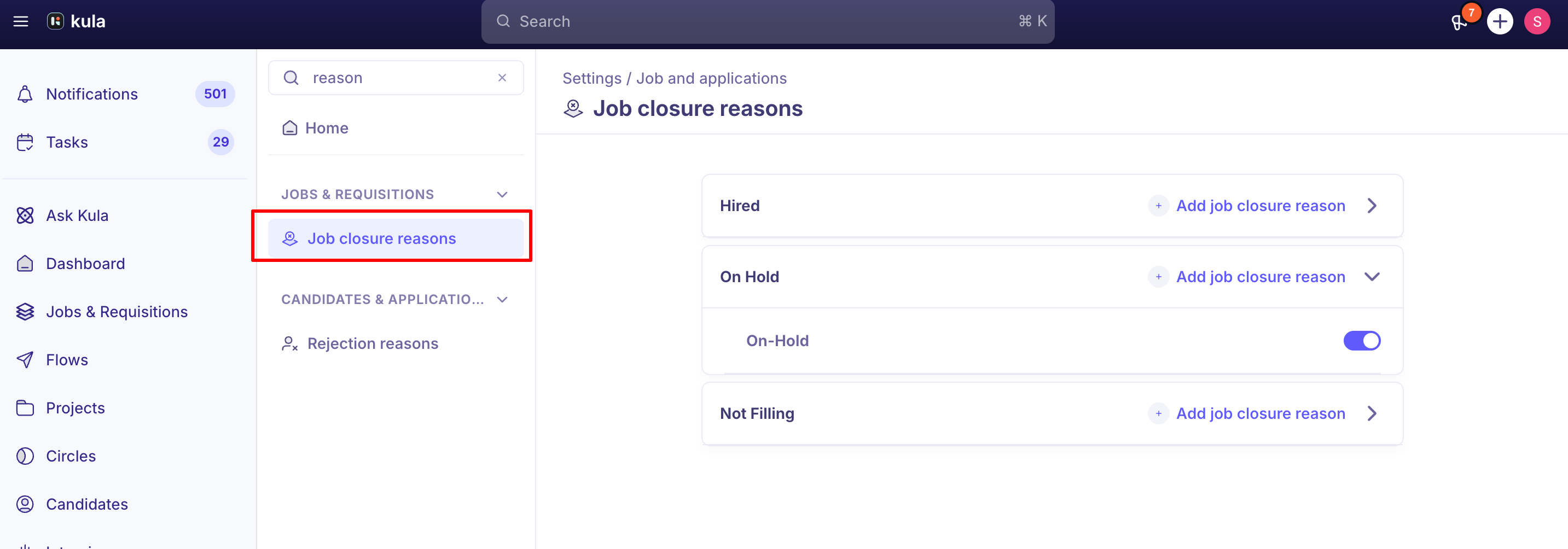
Add a reason. Go to Settings → Job Closure Reasons, add a new reason, and name it.
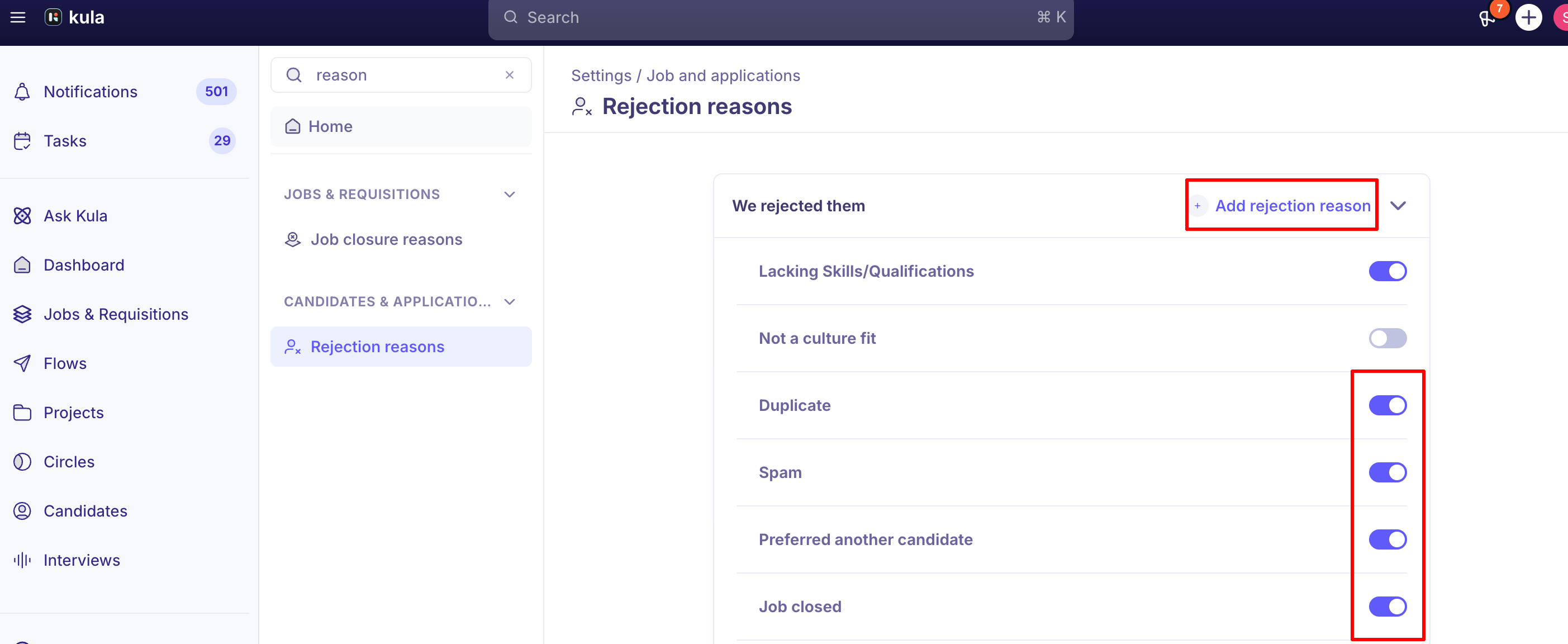

Turn a reason off instead of deleting it. As with rejection reasons, you can disable a reason to remove it from the picker going forward without deleting the underlying record — the safer option if the reason has already been used on jobs you want to keep an accurate historical record for.
What closure reasons are used for
The reason picked when a job is closed feeds job-level reporting — including closure-rate views in Job Reports — and is included alongside Rejection Reason and Candidate Source in data exports.
Organizations typically group their reasons into a small set of categories that reflect why a job closed — for example, one account's reason set includes categories like Plan, Incremental, Hiring Freeze, and Cancel, alongside outcome-specific reasons such as a hire being made.
Your own list is fully custom, so the categories that make sense for your hiring process are up to you to define.
Good to know
A job stuck in Pending Approval can't be closed directly. It needs to be approved first — either through the normal approval flow, or by having an Admin or Super Admin override the approval — before the close action, including picking a closure reason, becomes available. See "Job approval workflows" for more on approval overrides.
Reopening a closed job sends it back to Draft, not directly back to Open. You'll need to relaunch the job after reopening it before candidates and the posting become active again.
FAQ
Where do I manage the list of job closure reasons? Settings → Job Closure Reasons.
We migrated from another ATS and old closure reasons are still showing up even though we cleaned up the list — why? Cleanup in Settings doesn't always remove legacy, migrated reasons from the close-job dropdown.
Can I close a job that's still Pending Approval? Not directly — it needs to be approved first, or have an Admin/Super Admin override the approval, before you can close it.
Does Kula email candidates automatically when I close a job? No, not currently — candidates in active stages aren't auto-notified. You'd need to bulk-reject and notify them manually, in batches of up to 100.
Need help?
Reach out to us at support@kula.ai or use the in-app chat.