Flow Health analytics
Last updated: September 24, 2026
Flow Health shows how candidates respond to your flows (opens, replies and interest) and which recruiters are driving that outreach, in one report you can filter.
Who can do this: anyone with access to Reports & Analytics, which Admins and Super Admins have by default
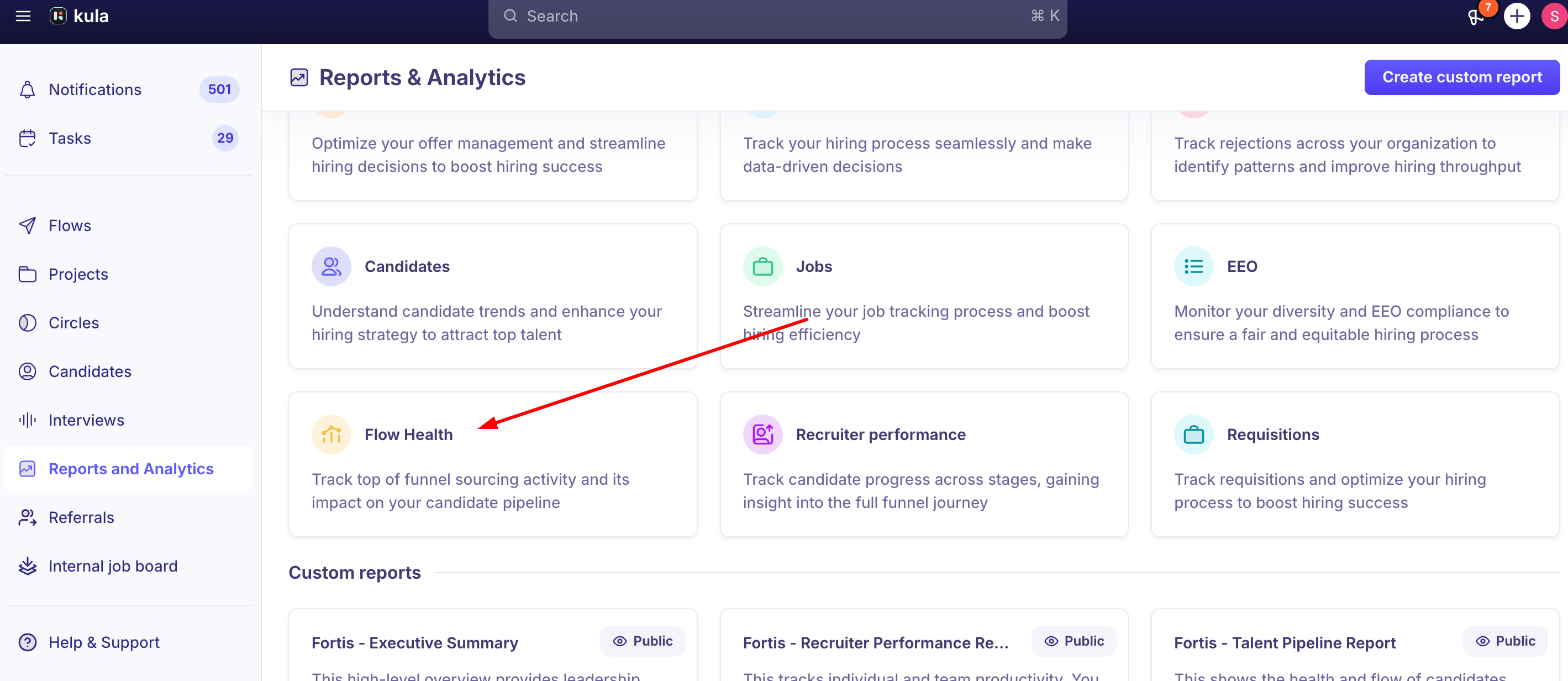
Where to find it: Reports & Analytics → Flow Health. You can also add it as a block to a custom report
What it shows
View | Shows |
|---|---|
Candidate Touchpoint | Engagement candidate by candidate, with their last activity: a chart with a table under it |
User Activity | The same, broken down by the recruiter or user doing the outreach |
The measures are Open, Replied and Interested, totalled for a flow or job.
Filter and group
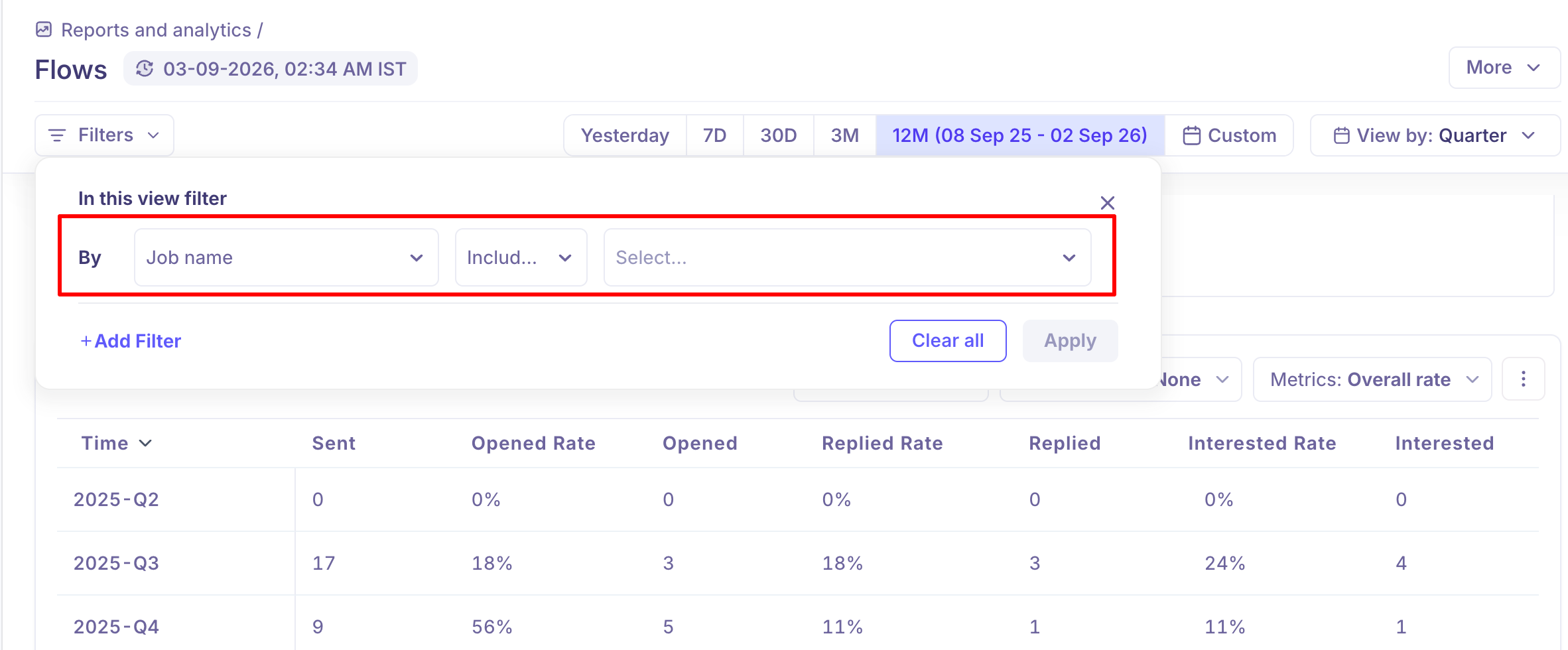
Flow Health uses the same filters, group-by and breakdowns as other reports. See Key reporting concepts in Kula Analytics. Use Job Name as a filter or group-by to compare jobs.
Drill down and export
Click any number in either table to see the candidates behind it, with their last activity. Download that list as a CSV. Like other reports, you can download Flow Health as a PDF, clone it, or schedule it to be emailed.
Good to know
Totals, not steps. For step-by-step numbers (sent, opened, clicked, replied), use the Steps section inside the flow itself.
Not real time. Check Data refreshed at the top of the report to see how current it is.
FAQ
Where do I find Flow Health? Reports & Analytics → Flow Health, or add it as a block inside a custom report.
What's the difference between Flow Health and the performance stats inside a Flow itself? Flow Health is an aggregate, org- or job-level report (Open, Replied, Interested); a Flow's own Steps section shows step-by-step sent/opened/clicked/replied detail for that one sequence.
Can I see Flow Health broken down by job? Yes — Job Name is available as both a filter and a Group By option.
Why don't I see Reports & Analytics or Flow Health in my navigation? Access depends on your role's permissions. Recruiter and Hiring Manager access to Reports & Analytics isn't guaranteed by default on every account — check with your admin.
My Flow Health numbers look lower than the outreach volume I know happened — why? Reports refresh about once an hour, so very recent activity may not have appeared yet, and candidates still sitting in a Prospect stage may not be included in candidate-based counts.
Need help?
Reach out to us at support@kula.ai or use the in-app chat.