Page sections: hero, story, team, testimonials, FAQ
Last updated: August 18, 2026
Your career page is built from sections you add and configure individually. This covers five of the most commonly used: Hero Banner, Story, Team, Testimonials, and FAQ. (The others — Navigation, Open Jobs, Image Gallery, and Footer — are covered in Setting up your public career page and Branding, theme and custom styles)
Who can do this: Super Admin, Admin
Where to find it: Settings → Career page → Career Page Builder → Themes tab → Selected Theme Details → Add Styles and Sections → All Sections tab.
Hero Banner
The first thing visitors see — a large visual with headline text.
Heading / Sub Heading — show or hide each.
Logo — show or hide your company logo within the hero section specifically (separate from the site-wide logo setting).
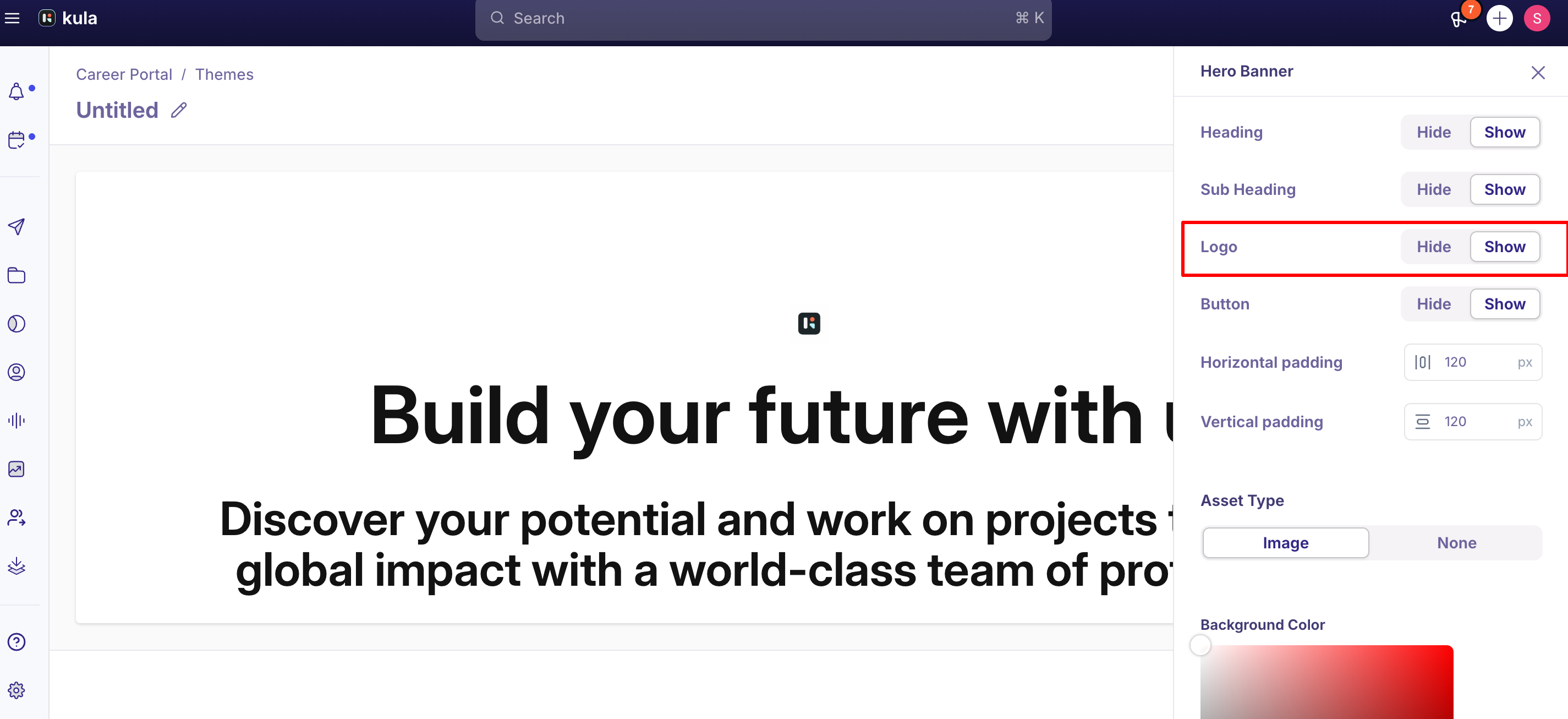
Button — show or hide a call-to-action button.
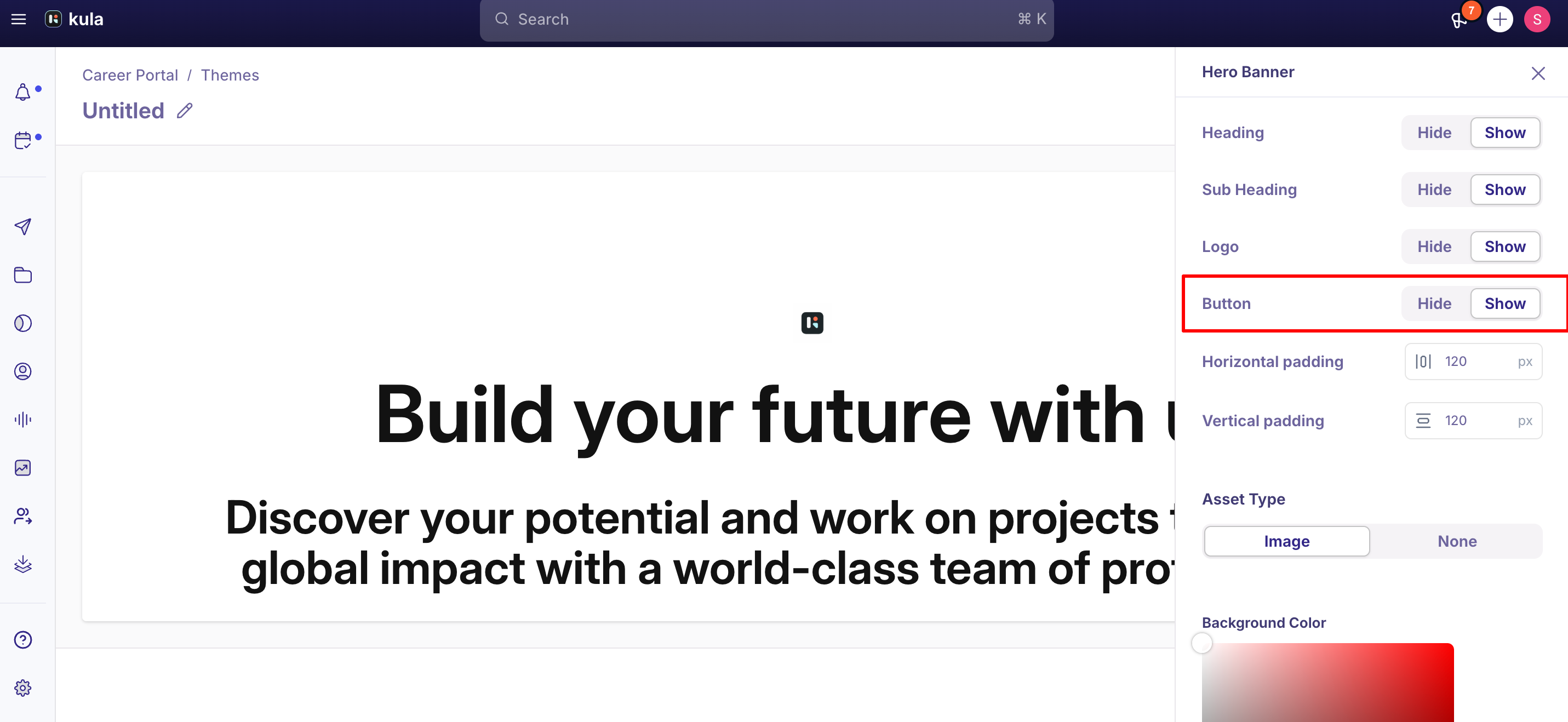
Asset Type — choose Image to add a background image after the section is added, or None to hide the image upload option entirely.
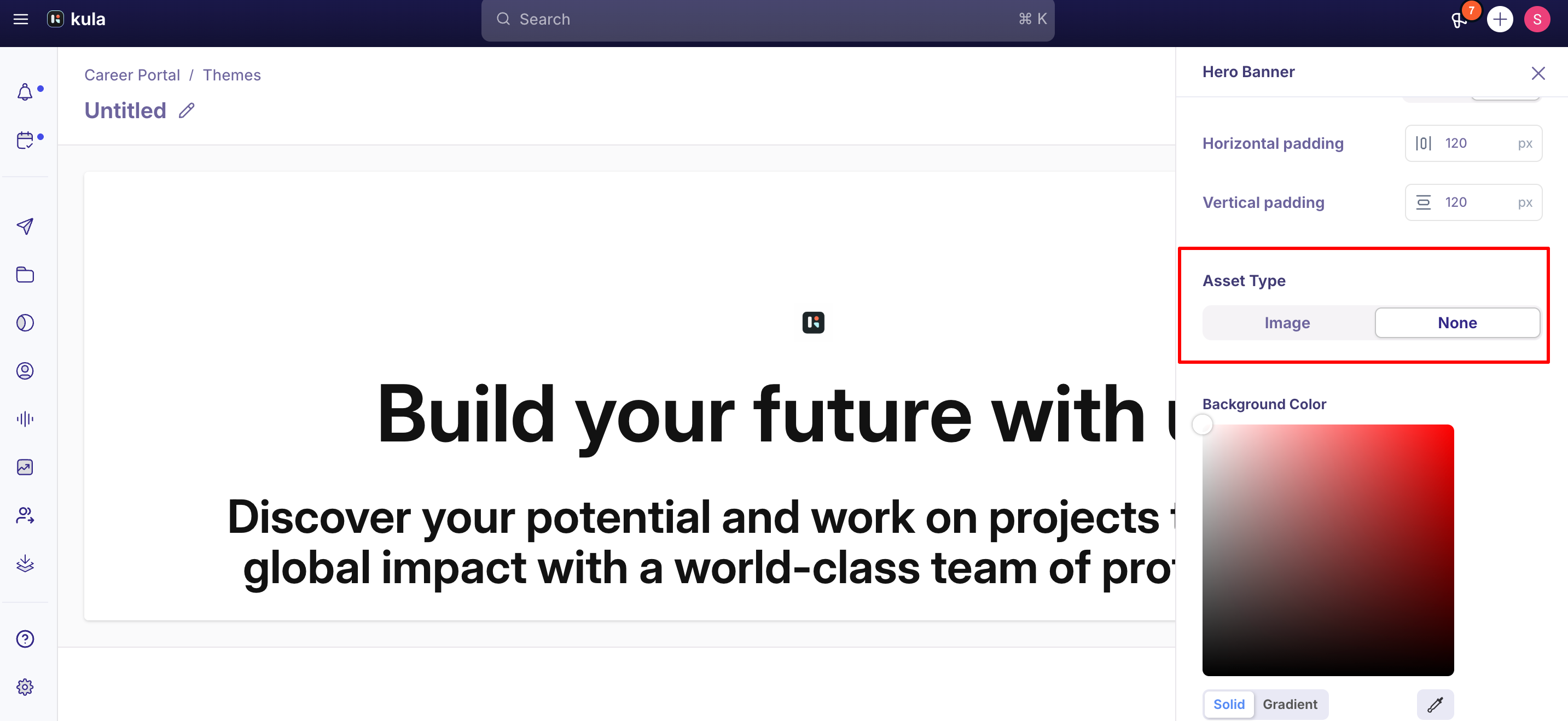
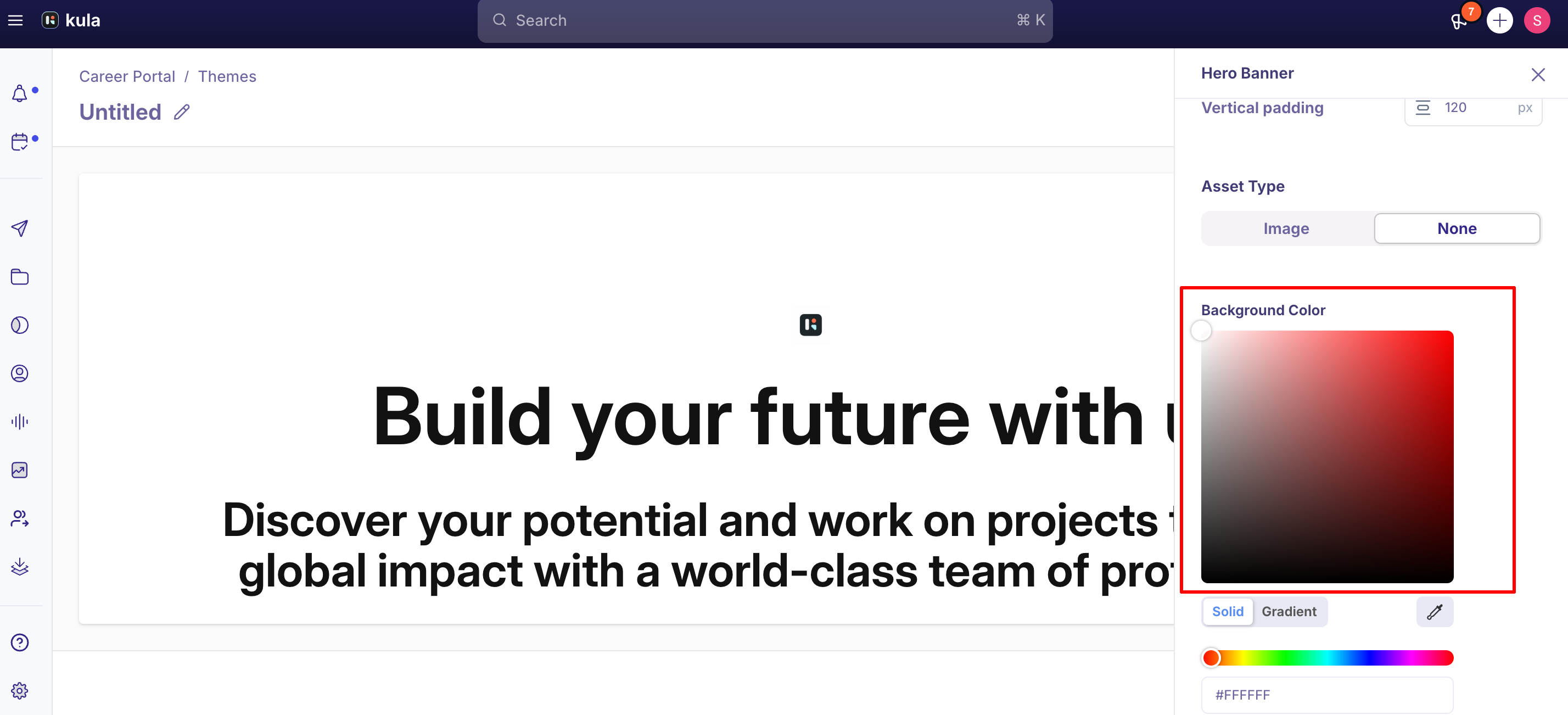
Background Color — solid or gradient.
Replace Hero Banner — swap in a different layout variant.
Good to know
The Hero Banner's configuration doesn't carry over to the job description or application page. Kula's career page has two separate configuration layers: Home Page Configuration (Header, Footer, Hero Banner, and similar section-specific settings) and Overall Theme Configuration (global settings like primary/secondary colors). Only the overall theme colors apply on the job description/application page — a background image set on the Hero Banner will not appear there; expect a plain background instead.
No recommended image size is documented for the Hero Banner background. If your image looks blurry or stretched, that's a known open issue with certain layout variants (see below), not necessarily a sizing mistake on your part — but there's currently no published guidance on ideal dimensions to check against.
Several Hero Banner layout variants have known rendering issues, still unresolved: Cover and Fill image styles currently produce the same (stretched) result rather than behaving differently; Contain style adds more padding than intended; padding is inconsistent between the right-aligned and background-image layout variants; and image upload doesn't work at all on the background-image variant specifically.
Hero text can overflow on mobile. At least one real case saw the heading and subheading text run past the edge of the screen on mobile rather than wrapping or scaling down.
FAQ
Why doesn't my Hero Banner's background image show up on the job description page? By design, the Hero Banner is part of the Home Page Configuration and only applies to your career page's landing page. The job description/application page only inherits the overall theme's colors, not section-specific settings like the Hero Banner's image.
What size should my Hero Banner background image be? There's no published recommended size for this specific image. If it looks stretched or blurry, check whether you're using one of the layout variants with a known Cover/Fill/Contain rendering issue (see Hero Banner Good to know) before assuming it's a sizing problem.
Can I remove the LinkedIn or Twitter link requirement on a Team member card? Not currently — both are required fields on each team member card. This is a known, open limitation.
I edited a testimonial or an FAQ item and the change isn't showing in preview — what do I do? Both sections have had real bugs around edits not reflecting in preview (see the Testimonials and FAQ Good to know sections above). If a change doesn't appear after saving, don't assume you did something wrong — contact support.
Can I link directly to a section like Story or Testimonials from my navigation bar? Not confirmed — no source found describes anchor-link navigation to a specific section as a supported feature. Ask support if you need this.
Need help?
If a section isn't rendering, saving, or previewing the way you configured it, contact Kula support with your theme name, the section involved, and a link to the affected page.