Jobs List View Explained
Last updated: April 10, 2026
The Jobs list view is where you see all your roles at a glance. From here you can:
See all your jobs and their current status at a glance
Check how many candidates are at each pipeline stage
Filter by recruiter, status, office, or work type
Take quick actions like cloning or editing a job
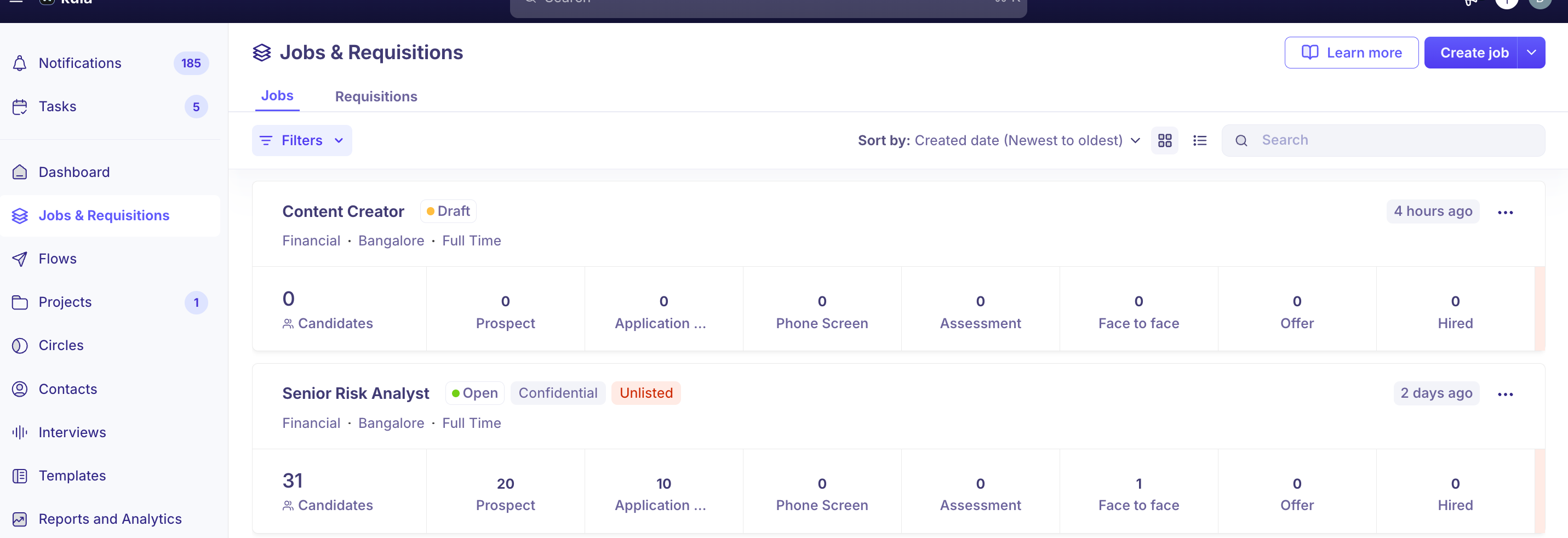
For a full walkthrough, refer to Jobs List View.
Need Help?
If you have questions or need assistance with setup, feel free to reach out to us at support@kula.ai or use the in-app chat for assistance.